
- Home
- What you can make
- T-shirt designs
T-shirt designs, made in minutes.
T-shirt designs you can see on the real thing before you order. Make the artwork, put it on a t-shirt, cap or tote, and get a clean file for the printer.
- Price
- from 1 token
- Plans
- From $12 a month, or one-off packs from $6
- Tools
- Logo design, Mockup generator, Background remover, AI image generator
- Time
- Most results in 5 to 40 seconds
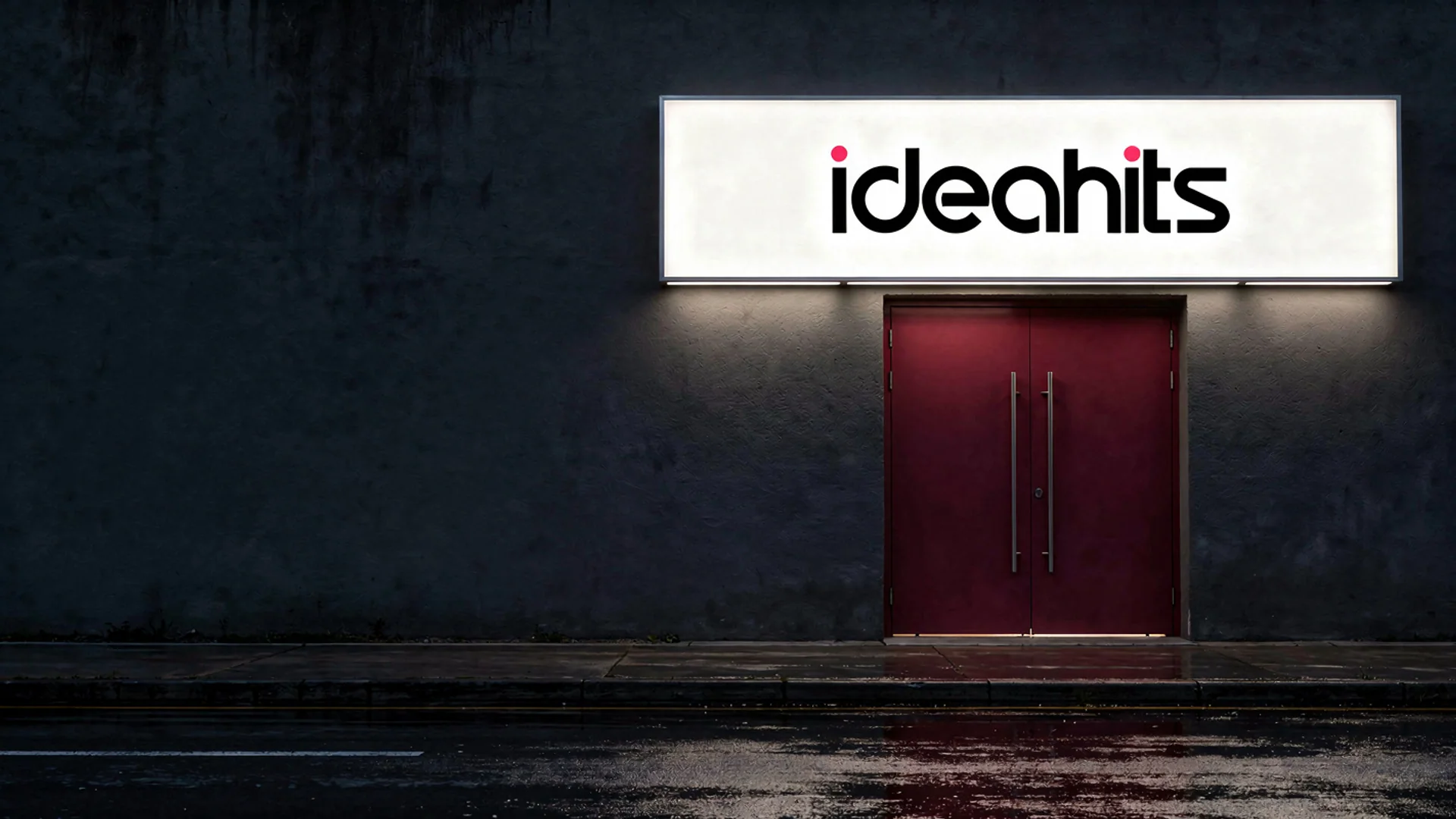
 BeforeAfter
What you can make
A t-shirt design has to work on fabric, on a moving body and often with a limited number of ink colours. Designs that work tend to be bold and simple, with an idea people get from across a room: a slogan, a mascot, a badge or a striking illustration.
The studio makes the artwork from a description or your own sketch, cuts it out on a transparent background and shows it on a photographed t-shirt, hoodie, cap or tote. It does not print or sell shirts, and the files are images rather than colour-separated screens; your printer or print-on-demand service handles production.
- 01Your design photographed on t-shirts, hoodies, caps and totes
- 02Artwork generated from a description
- 03Clean cut-outs for screen and print
- 04Restyled versions of a photo or drawing
The tools for it
Each one does one job. Use one, or chain them: make it, cut it out, put it on a product.
12 tokensMockup generator
Your logo or design on a real product, photographed.See the tool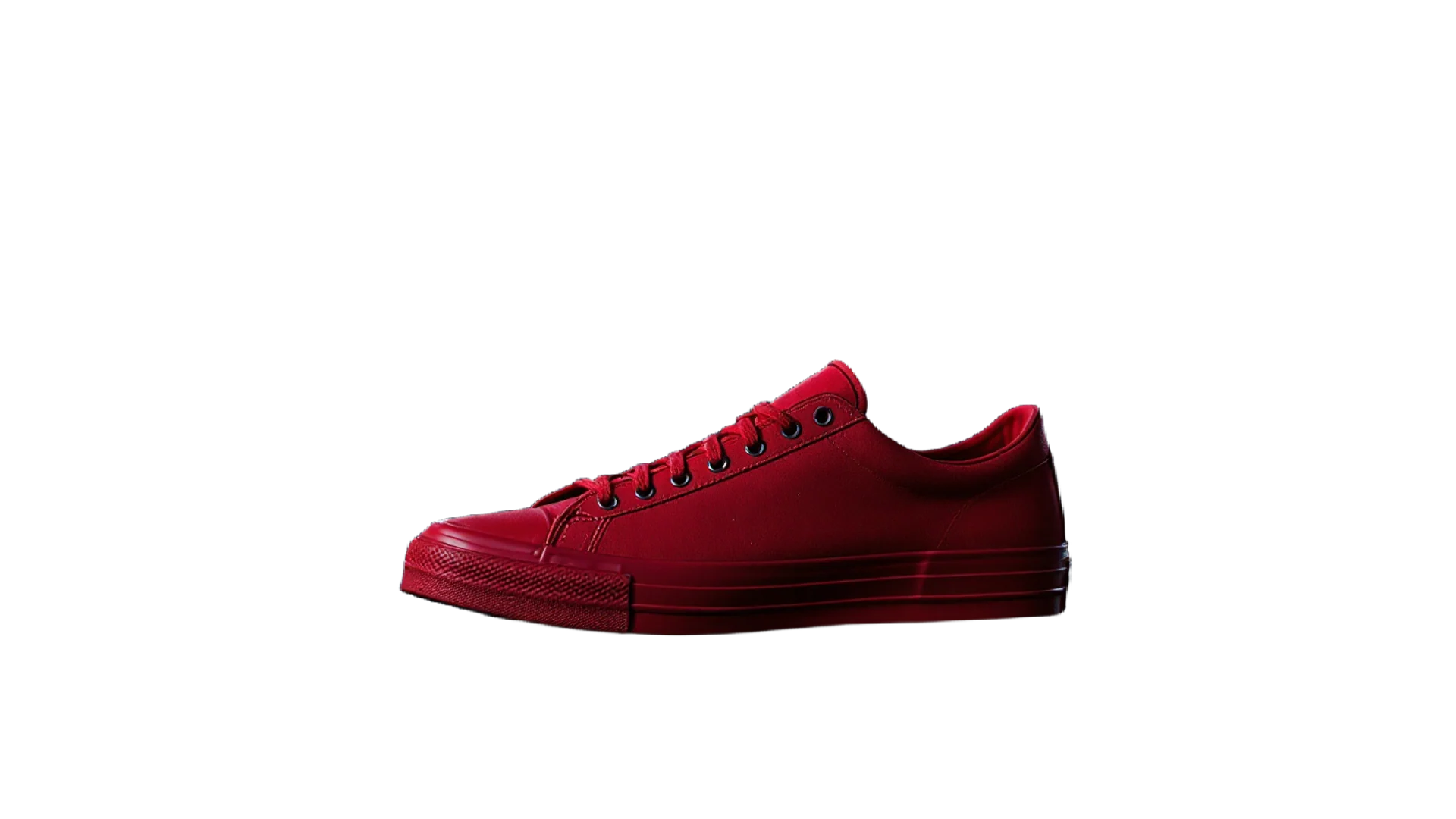 3 tokens
Background remover
A clean cut-out with a transparent background in one click.See the tool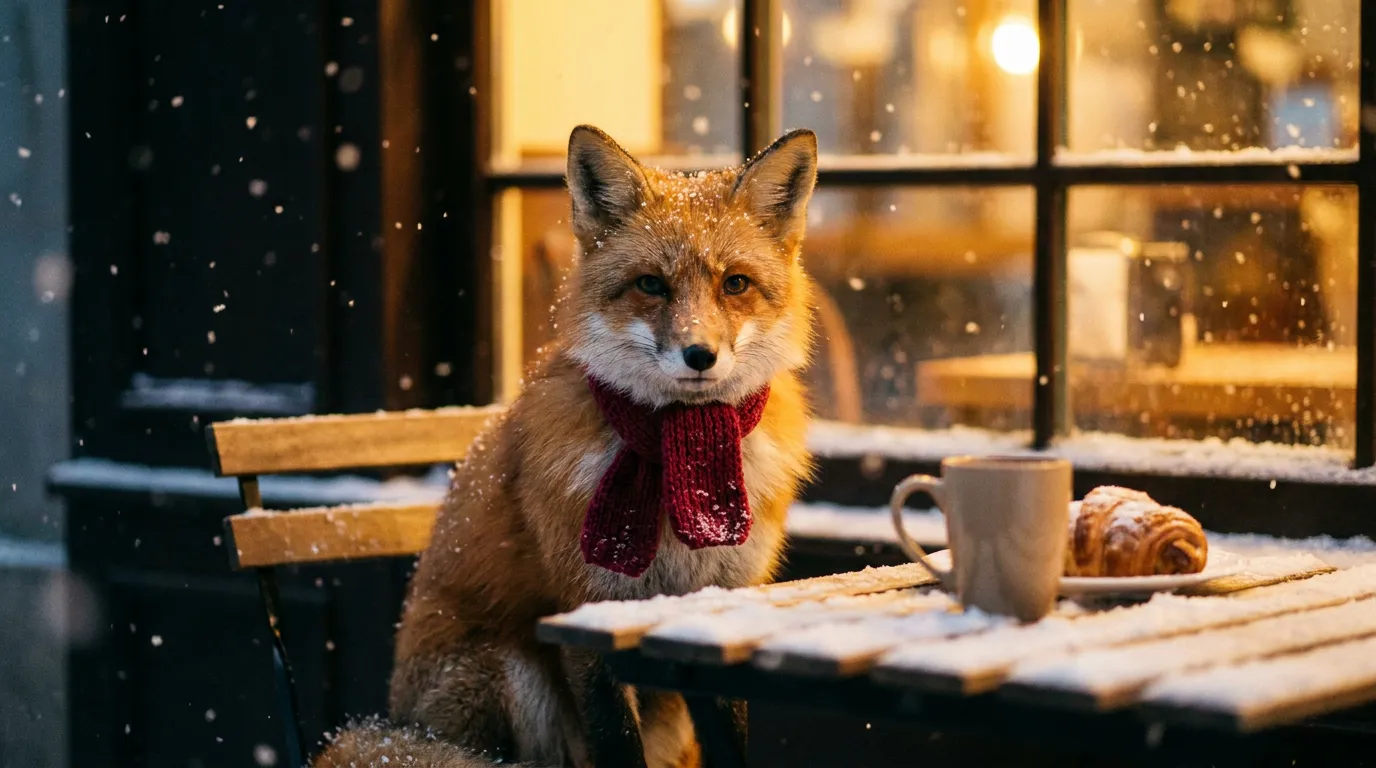 from 1 token
AI image generator
Describe a picture and get it in seconds, from the model that suits the job.See the tool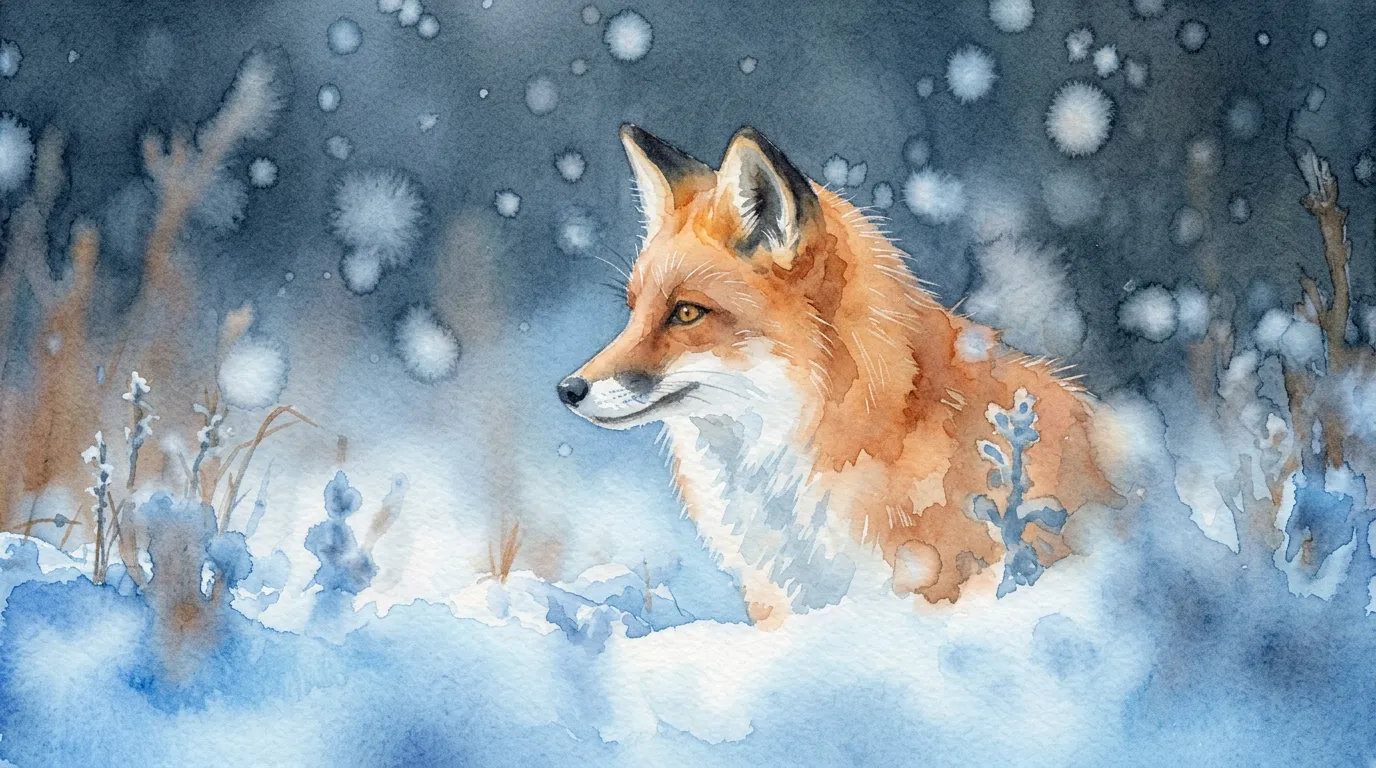 from 1 token
Style changer
Redraw a photo as anime, watercolour, clay, pixel art and more.See the toolHow to make it, step by step
- 1
Create the artwork
Describe the design in the AI image generator with the illustration or line-art look, or photograph a rough drawing and finish it with Sketch to image.
- 2
Cut it out
Use the Background remover so the design sits on the fabric with no box around it.
- 3
Try it on
Run the Mockup generator with the t-shirt or hoodie, and say in the Anything else box where it sits, for example small on the left chest.
- 4
Size it up for the printer
Use the Image upscaler at 4× so the print file keeps its detail across a full chest print.
Ideas that work
Rules of thumb for T-shirt designs, whichever tool you use.
Design for the shirt colour
Light ink on dark shirts, dark ink on light ones. Test the design on both if you plan to offer several colours.
Fewer colours print better
Screen printing needs a separate screen for each colour, so bold designs with a few flat colours print more cleanly and cheaply than photos.
Avoid tiny detail
Thin lines and small text blur on fabric. If a detail disappears when you shrink the design to phone size, it will struggle on cotton.
Decide placement first
A left-chest logo, a full front and a back print each suit different designs. Choose the placement, then design to that shape.
Plans
One balance for every tool. Monthly plans give the lowest price per token; one-off packs start at $6.
- About 24 upscales or 40 cut-outs
- 17% less per token than the Starter pack
- Tokens last a month; cancel any time
- About 80 upscales or 133 cut-outs
- 33% less per token than the Starter pack
- Tokens last a month; cancel any time
- About 240 upscales or 400 cut-outs
- 45% less per token than the Starter pack
- Tokens last a month; cancel any time
More in apparel and merch
Questions
Something else? Ask us.
What size should a t-shirt design be?
Ask your printer for their print area and preferred file size, as both vary by method and shirt size. A full front print is much larger than a chest logo, so start big; the Image upscaler goes up to 4096px.
What file format do t-shirt printers need?
Most direct-to-garment and print-on-demand services accept a PNG with a transparent background. Screen printers often prefer vector artwork or separate the colours themselves, so ask before you send.
What is the difference between screen printing and DTG?
Screen printing pushes ink through a stencil, one screen per colour, and suits larger runs of simple designs. Direct-to-garment printing works like an inkjet on fabric, so it suits full-colour designs and small orders.
Why do printed colours look different from my screen?
A screen gives off light while ink on fabric reflects it, so bright colours often print a little duller, especially on dark shirts. Ask for a sample print before a large order.
What are tokens?
Tokens are how you pay per image. Each tool shows its price in tokens before you run it, the tokens are taken when you click Generate, and anything that fails is refunded automatically. Tokens from a one-off pack last 12 months; tokens from a monthly plan last a month from the day they arrive.
Do I need a subscription?
No. You can buy a one-off pack whenever you need one. If you use the tools every month, a monthly plan gives you the lowest price per token; the tokens are added each month, last a month, and you can cancel any time.
How does the monthly plan work?
You pay once a month and that month's tokens are added to your balance straight away. Each month's tokens last a month from the day they arrive, and the soonest-expiring tokens are always used first. Cancel from Billing whenever you like; the tokens you have stay until their date.
What can I upload?
PNG, JPEG or WebP up to 8MB. For mockups, a PNG logo with a transparent background gives the cleanest result. The image, video, voice and music generators need no upload at all.
Can I use the results commercially?
Yes. What you make is yours to use. The background remover and image extender run on Bria models trained only on licensed data, so they are safe for commercial work.
Who can see my images?
Only you. Uploads and results are stored privately against your account; nothing is shared or used to train anything.
How long does it take?
Most image tools finish in 5 to 20 seconds. Mockups take about 30 seconds because two photos are made, and a video clip takes about a minute.
What if I don't like the result?
Run it again with different options; each run is a new charge. If a run fails for any reason, its tokens come straight back.
Make T-shirt designs today.
Create an account, pick a pack from $6, and drop in a picture.
10 free tokens to start