
19 tools for images, video and voice. One studio.
Generate, edit, fix and repurpose pictures, make short clips and voice-overs, with 30 AI models to choose from. Pay per result with tokens: monthly plans from $11.43.
Image
Generate, edit, fix and repurpose pictures.
 Nano Banana Pro
 Seedream 5 Profrom 1 token
AI image generator
Describe a picture and get it in seconds, from the model that suits the job.See the tool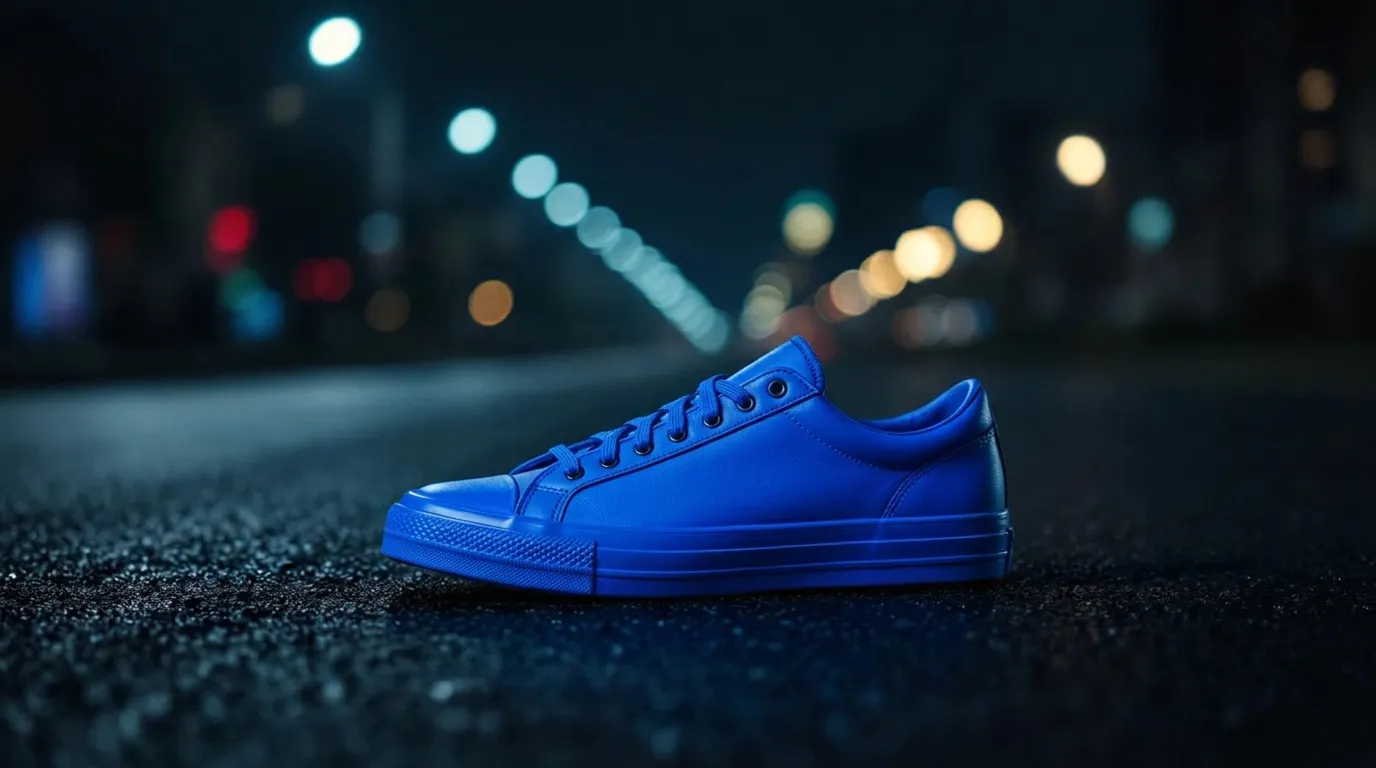 from 1 token
AI image editor
Change a picture by describing the change. The rest stays as it was.See the tool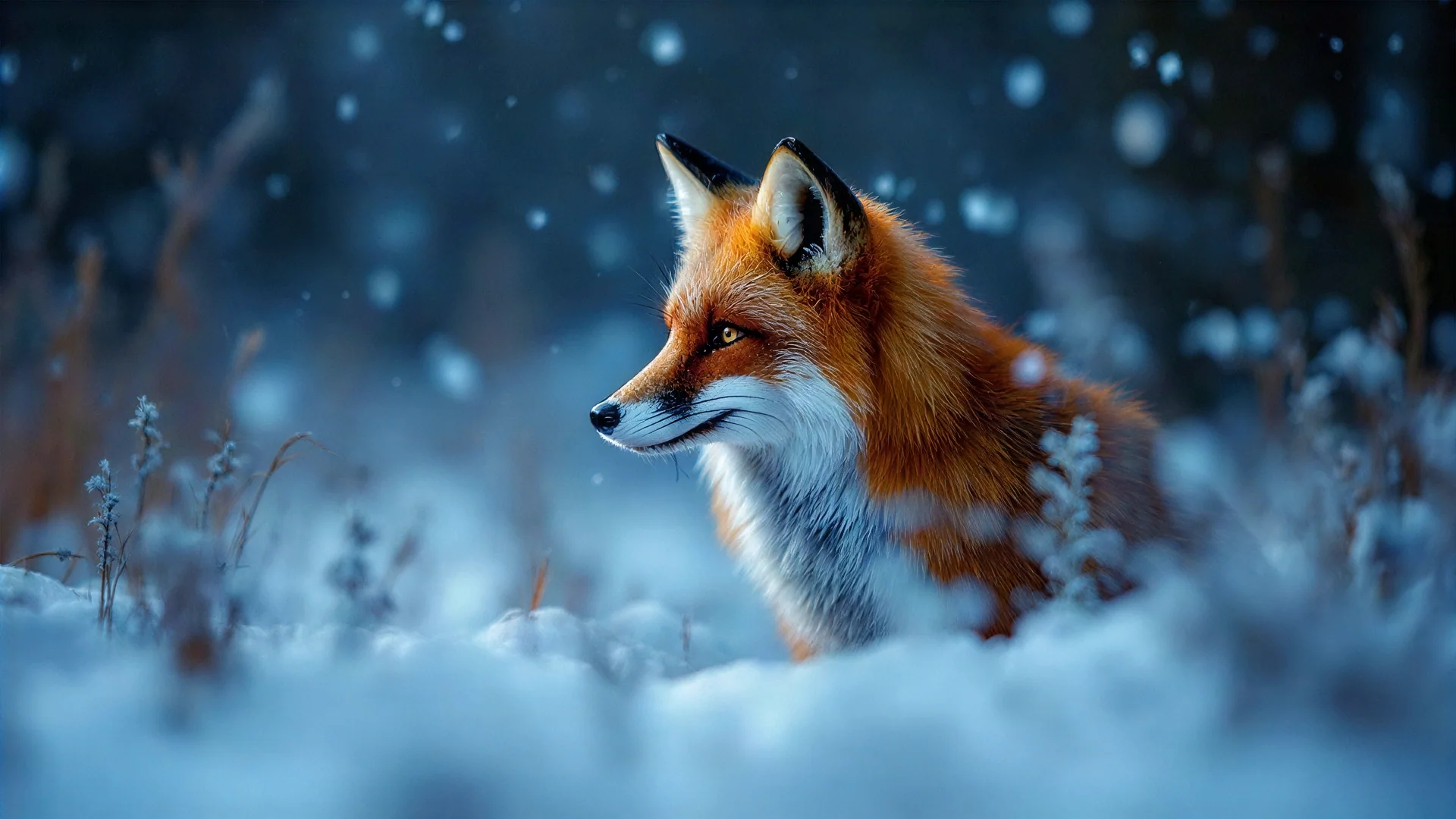 5 tokens
Image upscaler
Turn a small or soft picture into a sharp, print-ready one.See the tool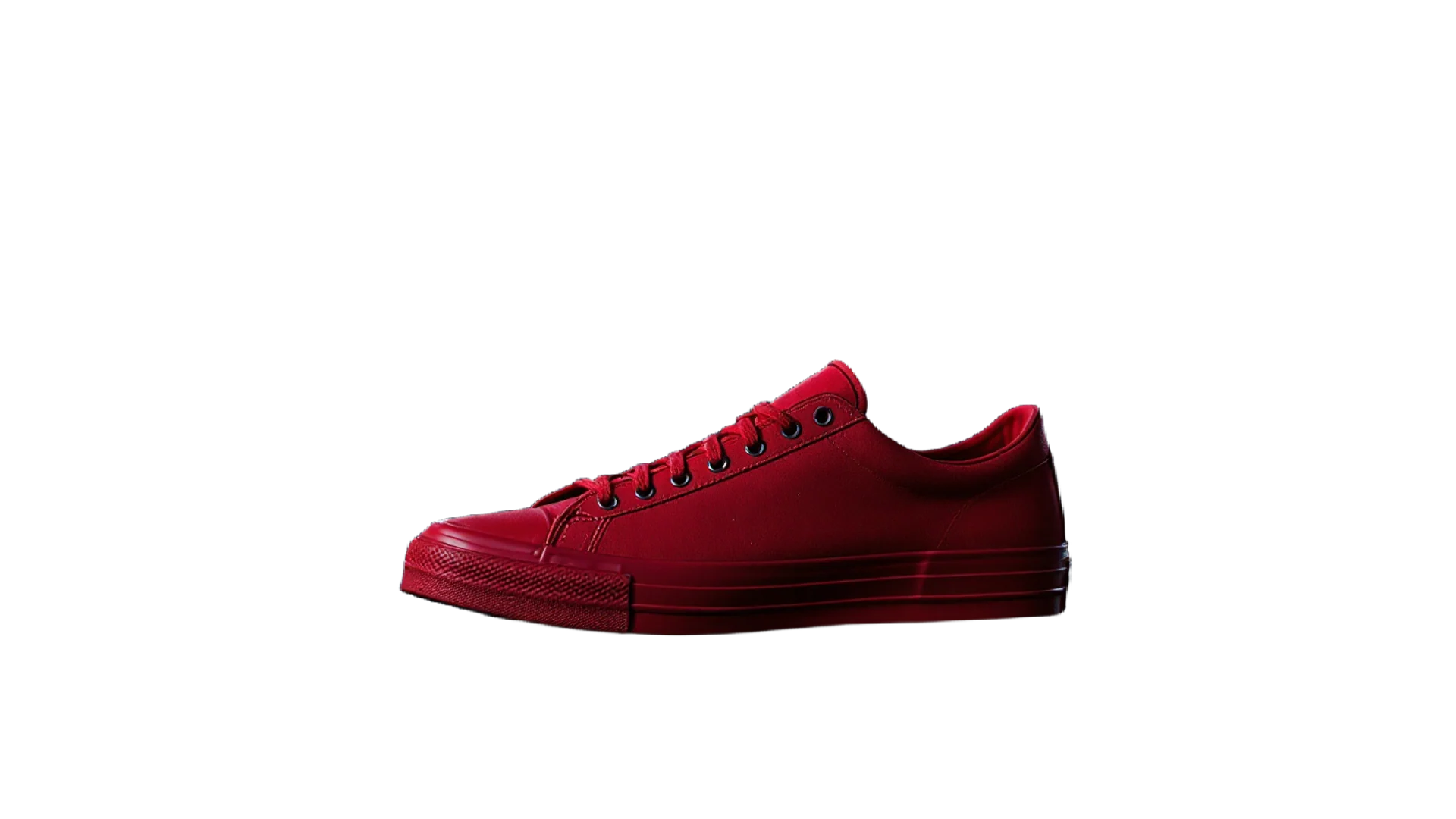 3 tokens
Background remover
A clean cut-out with a transparent background in one click.See the tool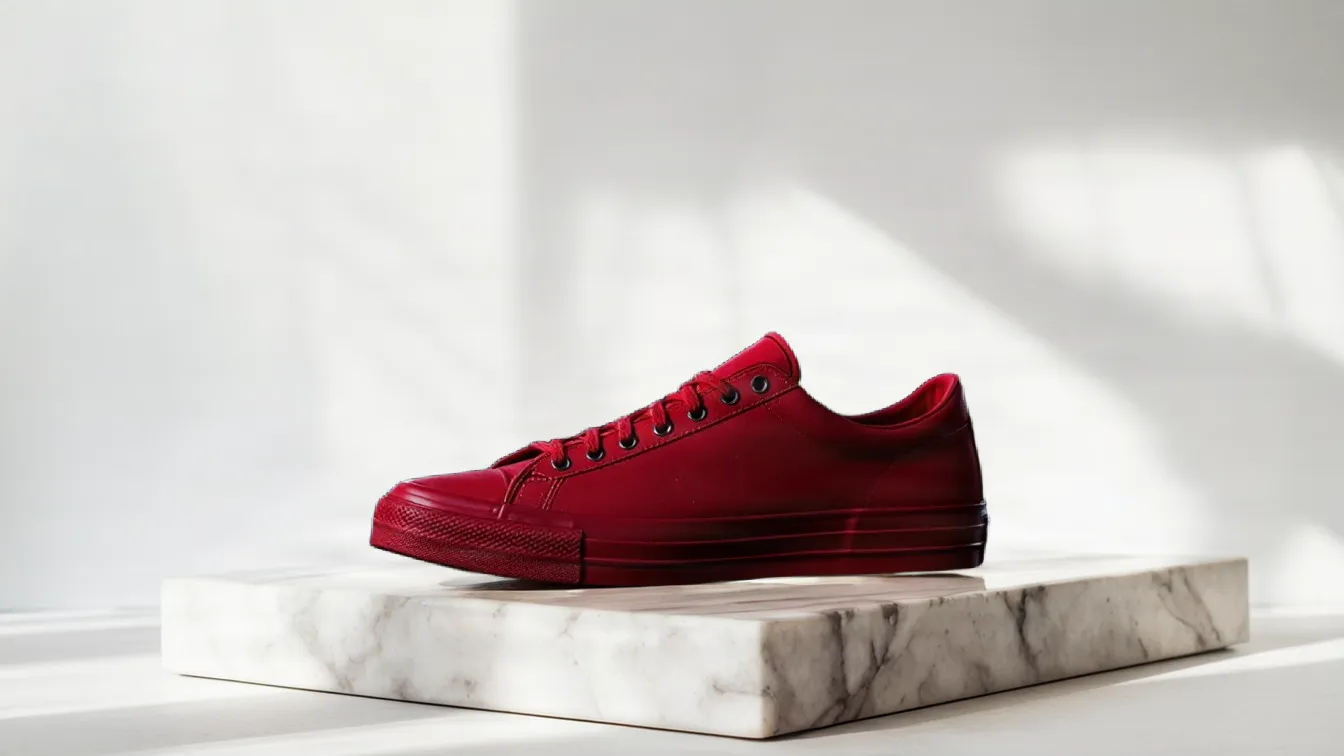 from 1 token
Background replacer
Keep the subject, swap what's behind it. Describe the new setting.See the tool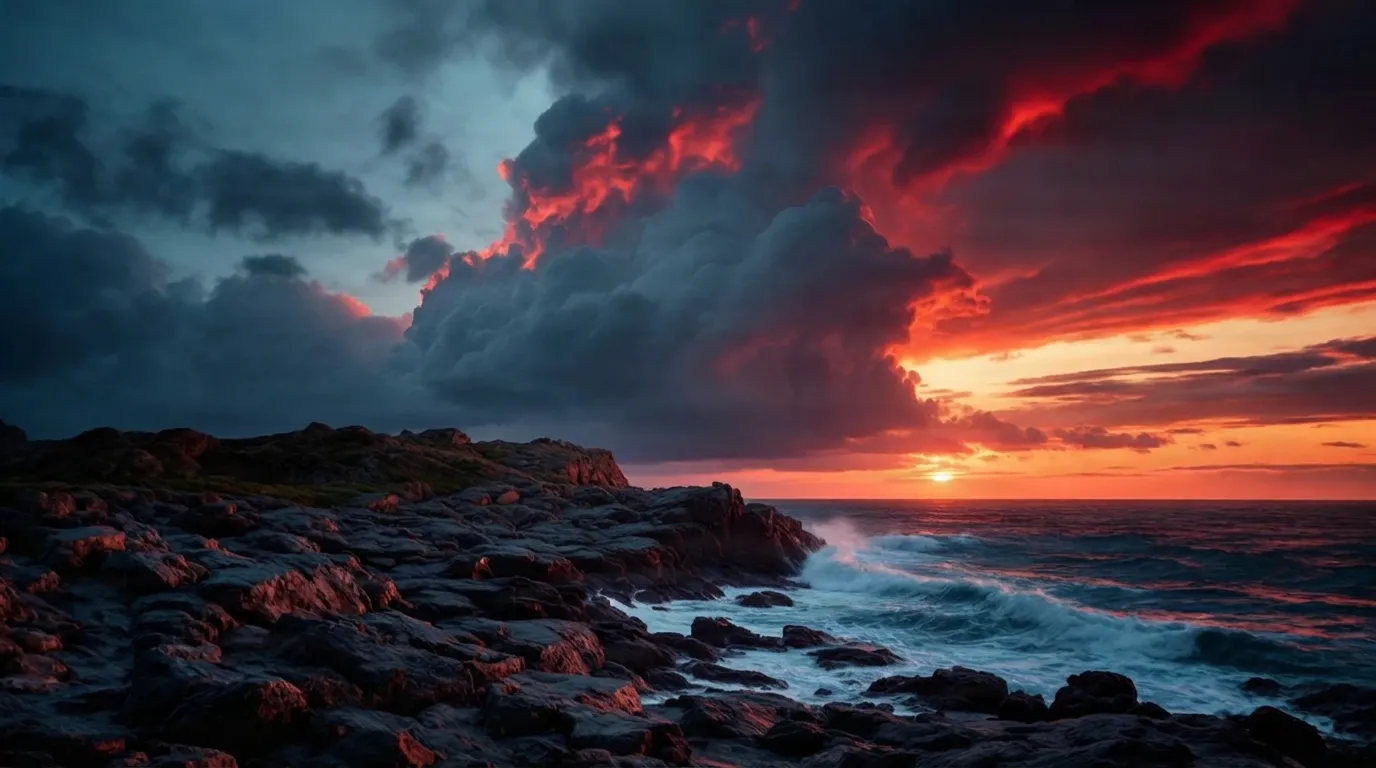 from 1 token
Object remover
Take something out of a picture. The gap is filled as if it was never there.See the tool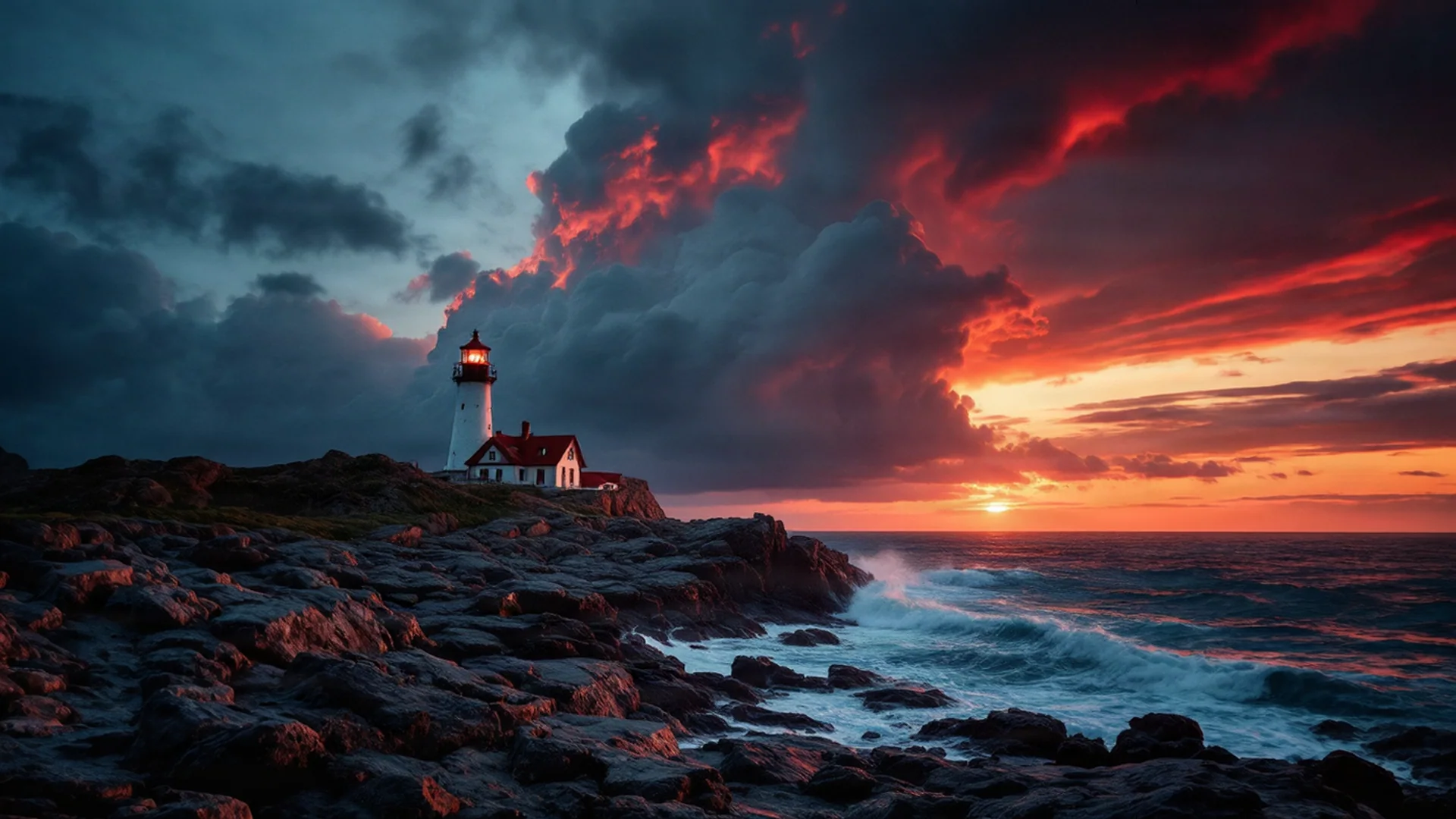 5 tokens
Image extender
Make a picture wider or taller; the AI paints what's beyond the edge.See the tool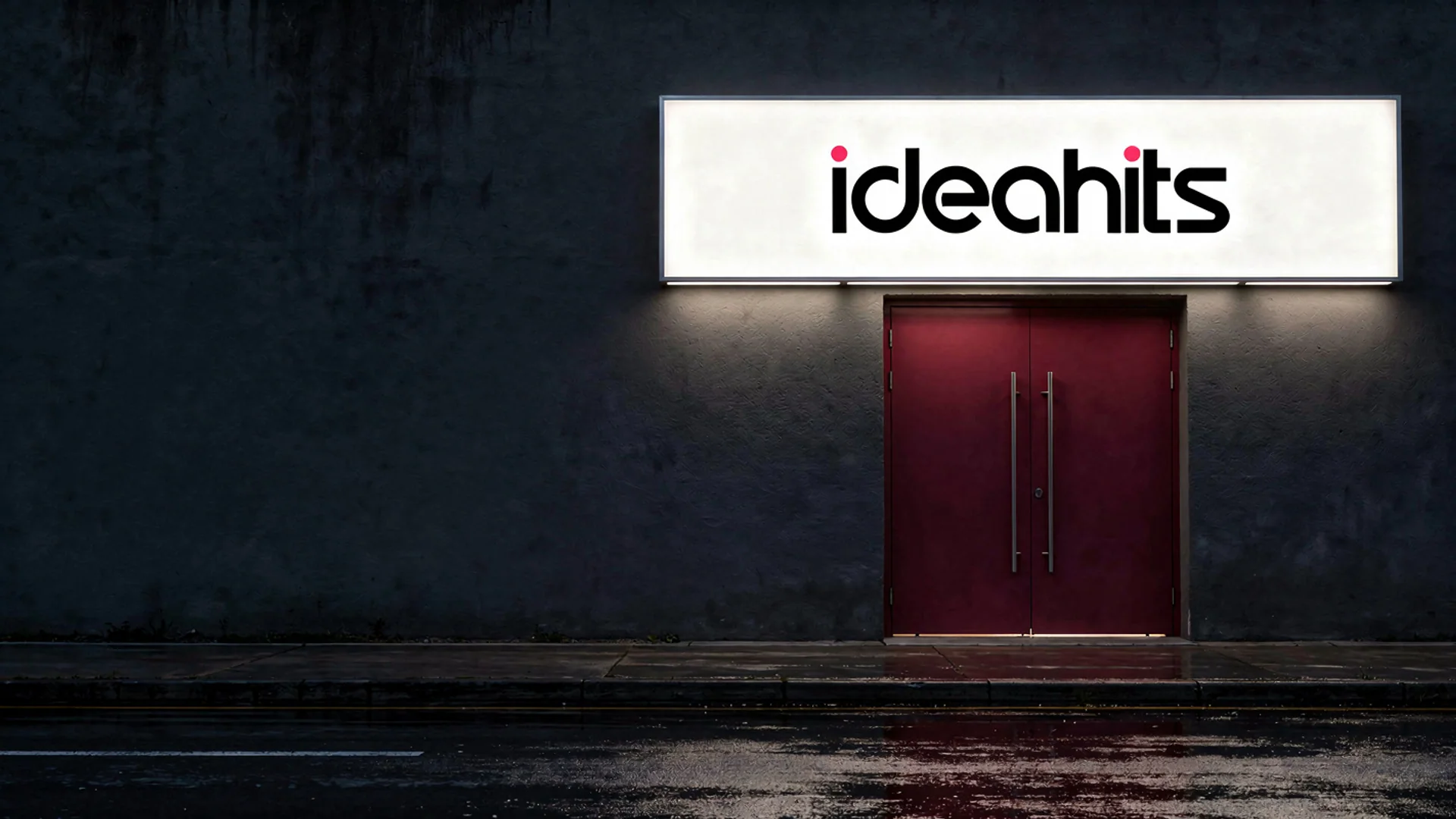 12 tokens
Mockup generator
Your logo or design on a real product, photographed.See the tool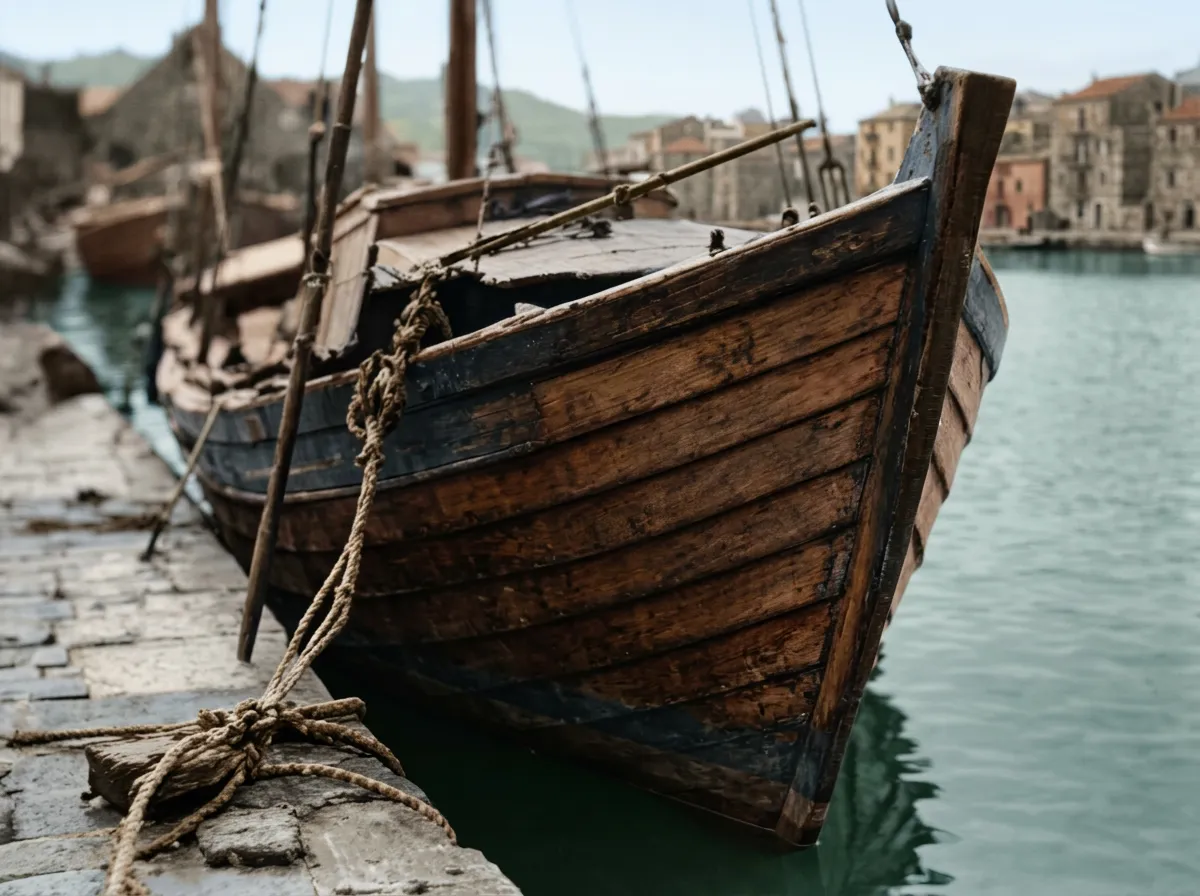 from 1 token
Photo restorer
Bring an old or damaged photo back, with colour if you want it.See the tool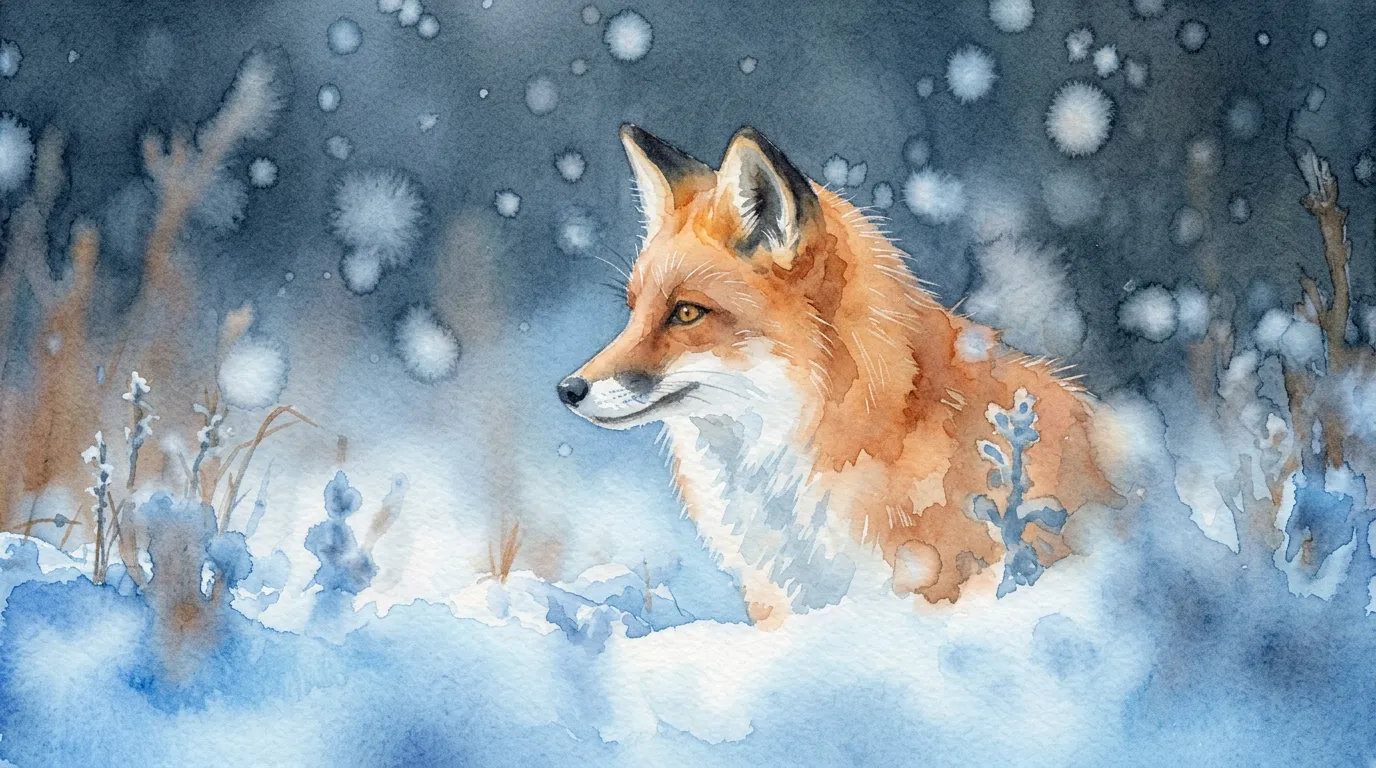 from 1 token
Style changer
Redraw a photo as anime, watercolour, clay, pixel art and more.See the tool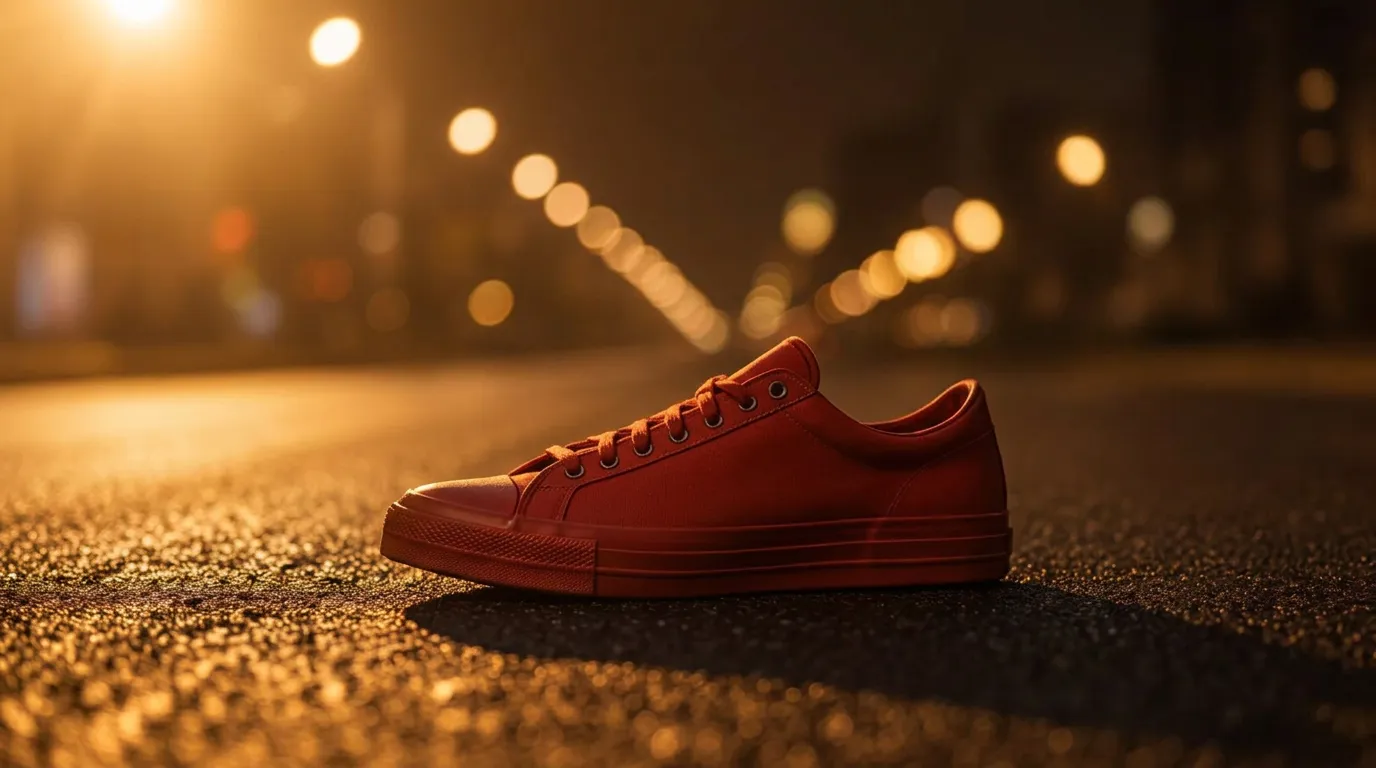 from 1 token
Relight
Change the light in a photo. The subject and every detail stay put.See the tool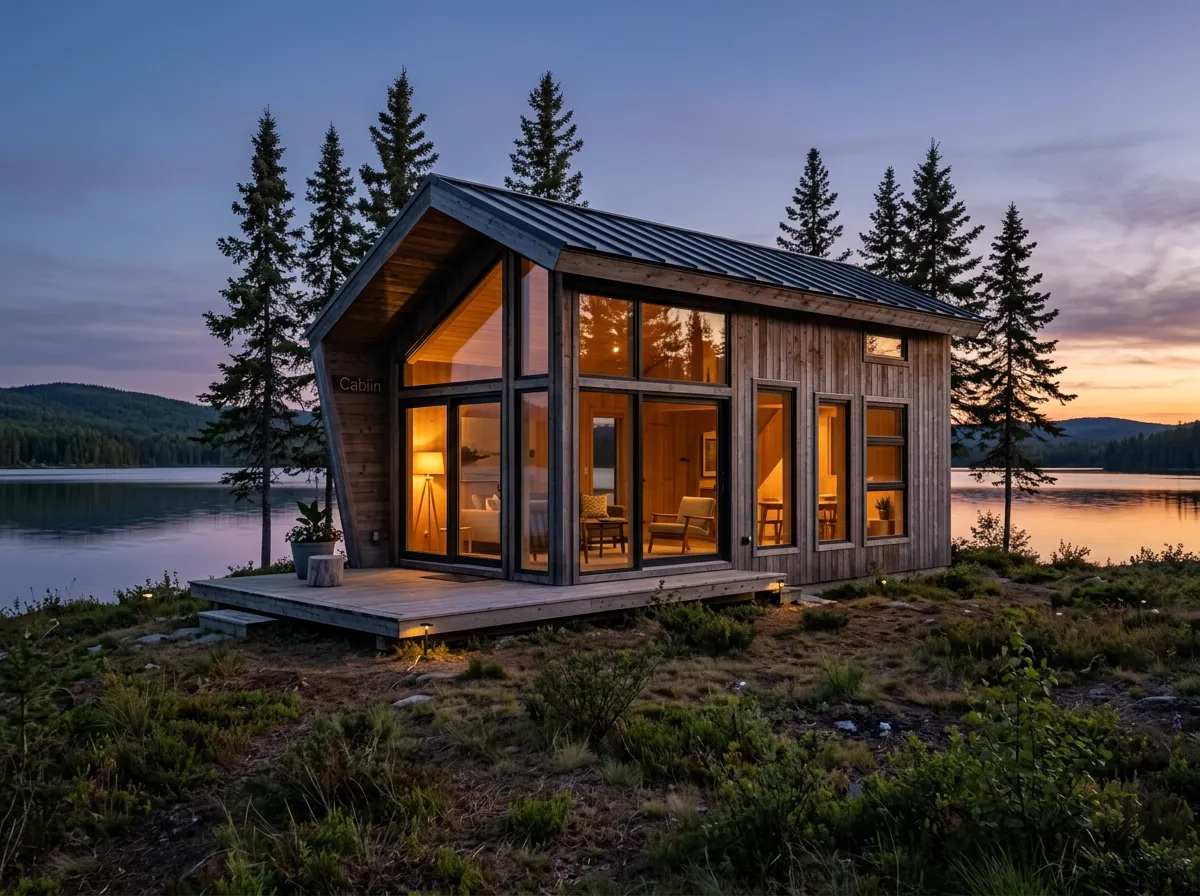 from 1 token
Sketch to image
Turn a rough drawing into a finished picture that follows your layout.See the tool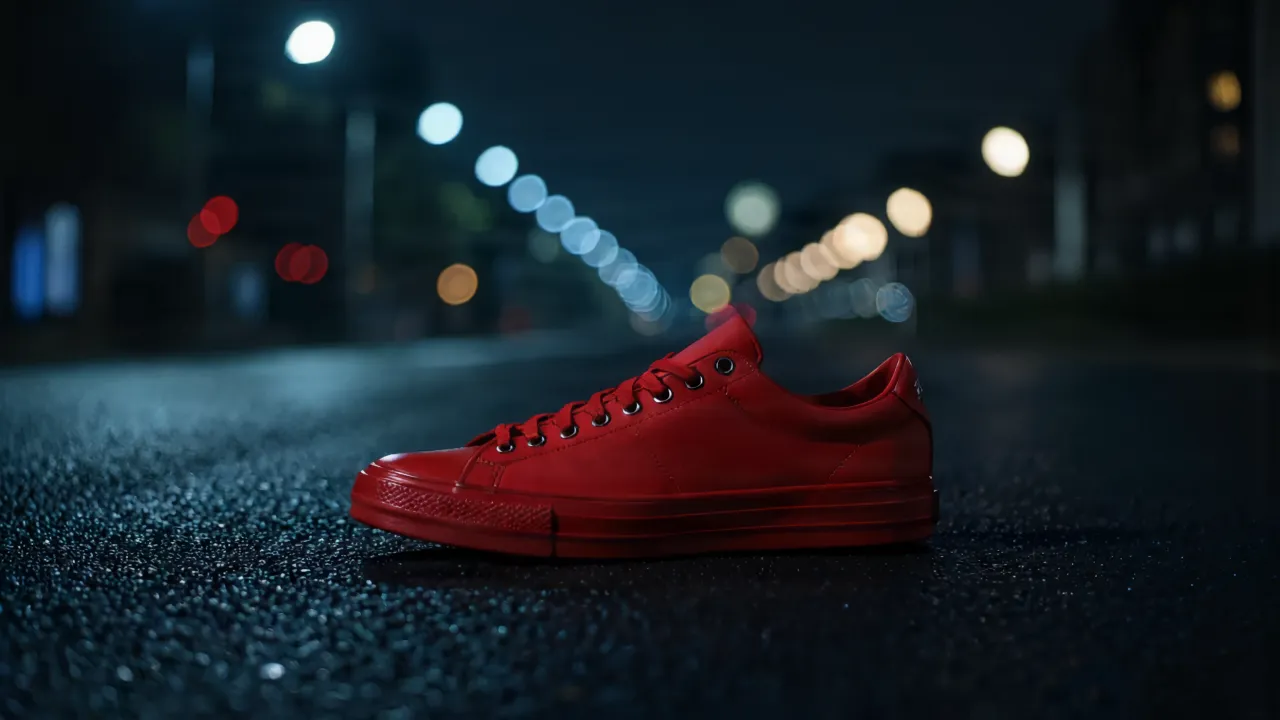 3 tokens
Photo enhancer
Clean up noise, blur and compression in one pass.See the tool 3 tokens
Background blur
Give any photo the soft background of a portrait lens.See the toolVideo
Short clips from words or from a picture.
The models behind it
Each tool lets you pick the model that suits the job. You never need a separate account with any of these companies.
- Nano Banana 2
- Nano Banana Pro
ByteDance
- Seedream 4.5
- Seedream 5 Pro
Black Forest Labs
- FLUX.2 pro
- FLUX.2 max
- FLUX 1.1 pro
- FLUX.2 dev
- FLUX.1 dev
- FLUX.1 schnell
RunDiffusion
- Juggernaut FLUX
Alibaba
- Wan 2.6
- Wan 2.7 Edit
Pruna
- P-Image
- P-Image Edit
- P-Video
ClarityAI
- Crystal
- Creative
Bria
- RMBG 2.0
- Replace Background
- Expand
- Enhance
- Blur Background
Lightricks
- LTX 2.3 Fast
Pixverse
- Pixverse 6
Hexgrad
- Kokoro
Resemble AI
- Chatterbox Turbo
Canopy Labs
- Orpheus
Inworld
- Inworld TTS 1.5 Max
ACE Studio
- ACE-Step 1.5
One balance for every tool
Tokens work on every tool and every model. Take a monthly plan for the lowest price per token, or buy a one-off pack.
- About 24 upscales or 40 cut-outs
- 25% less per token than the Starter pack
- Unused tokens roll over; cancel any time
- About 80 upscales or 133 cut-outs
- 38% less per token than the Starter pack
- Unused tokens roll over; cancel any time
- About 240 upscales or 400 cut-outs
- 50% less per token than the Starter pack
- Unused tokens roll over; cancel any time
Answers to the usual questions
Something else? Ask us.
What are tokens?
Tokens are how you pay per image. Each tool shows its price in tokens before you run it, the tokens are taken when you click Generate, and anything that fails is refunded automatically. Tokens never expire.
Do I need a subscription?
No. You can buy a one-off pack whenever you need one. If you use the tools every month, a monthly plan gives you the lowest price per token; the tokens are added each month, unused ones roll over, and you can cancel any time.
How does the monthly plan work?
You pay once a month and that month's tokens are added to your balance straight away. They do not expire, so anything you do not use carries over. Cancel from Billing whenever you like and you keep the tokens you already have.
What can I upload?
PNG, JPEG or WebP up to 8MB. For mockups, a PNG logo with a transparent background gives the cleanest result. The image, video, voice and music generators need no upload at all.
Can I use the results commercially?
Yes. What you make is yours to use. The background remover and image extender run on Bria models trained only on licensed data, so they are safe for commercial work.
Who can see my images?
Only you. Uploads and results are stored privately against your account; nothing is shared or used to train anything.
How long does it take?
Most image tools finish in 5 to 20 seconds. Mockups take about 30 seconds because two photos are made, and a video clip takes about a minute.
What if I don't like the result?
Run it again with different options; each run is a new charge. If a run fails for any reason, its tokens come straight back.
Make it better.
Create an account, pick a pack from $6.35, and drop in a picture.