
Background blur
Give any photo the soft background of a portrait lens.
- Price
- 3 tokens
- You get
- One image per run.
- Start from
- A picture you upload
- Model
- Blur Background by Bria
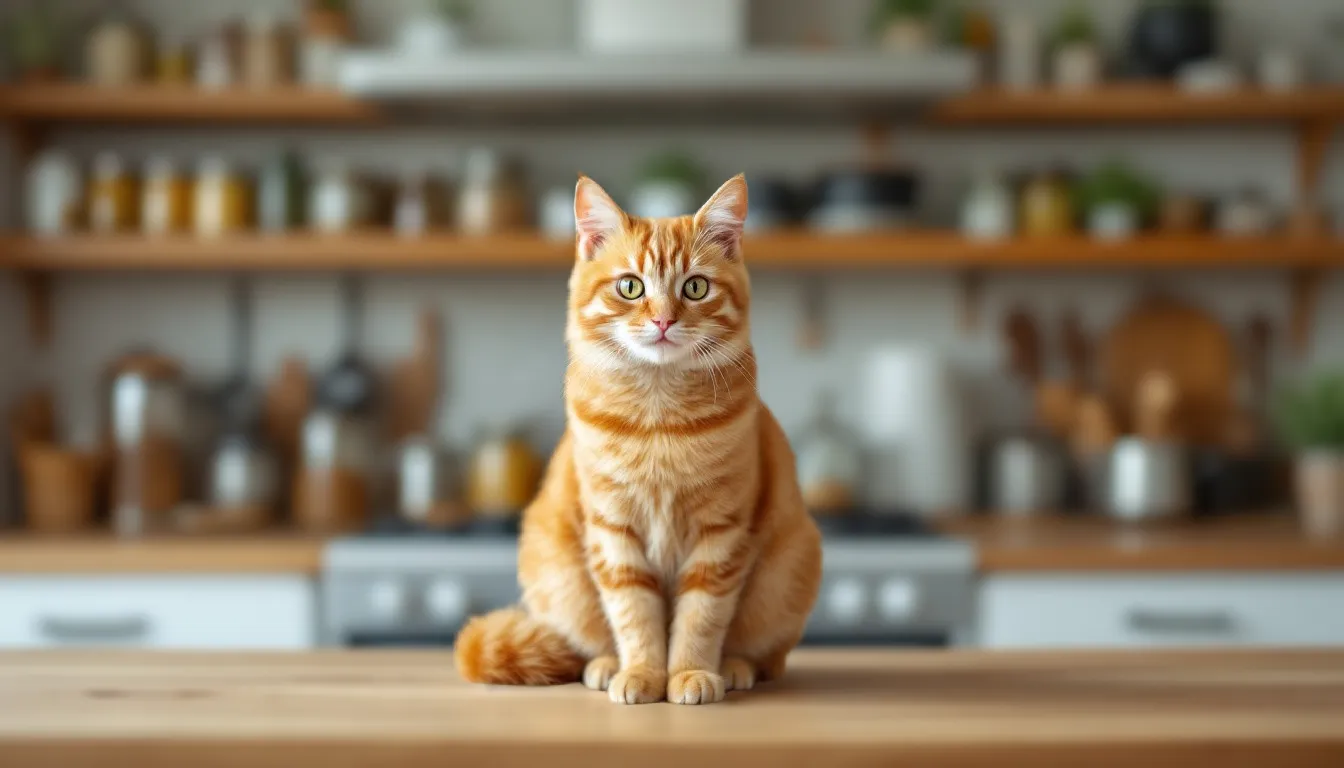
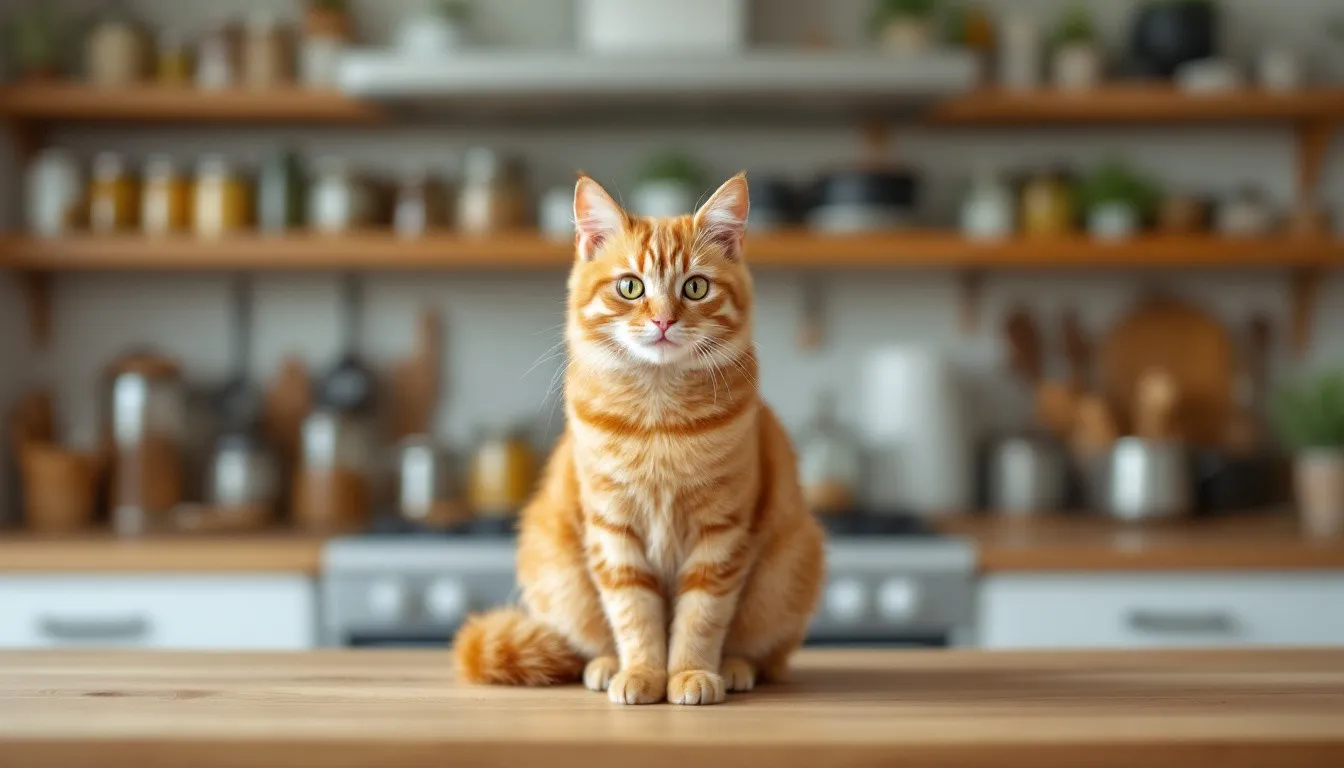 BeforeAfter
What it does
Give any photo the soft background of a portrait lens. The subject stays sharp.
The subject is found automatically and kept sharp
Light, medium or strong blur
Works on people, products and pets
Good for
- Portraits and headshots
- Product photos on busy backgrounds
- Thumbnails
Options
What you can set before you run it. You see the price for your choice before anything is charged.
- Light
- Medium
- Strong
The model
The model this tool runs on.
Finds the subject and softens everything behind it.
1 image per run3 tokensHow it works
- 1
Drop in your picture
Open the tool and drop, paste or browse for a PNG, JPEG or WebP up to 8MB.
- 2
Set the options
Choose what you want from the options below. The price in tokens is shown before you run it.
- 3
Compare and download
Most results are ready in 5 to 20 seconds. Check it against the original, download it, or send it into another tool.
More tools
The same tokens work on every tool, so you can take a result straight into the next one.
 from 1 token
AI image generator
Describe a picture and get it in seconds, from the model that suits the job.See the tool from 1 token
AI image editor
Change a picture by describing the change. The rest stays as it was.See the tool 5 tokens
Image upscaler
Turn a small or soft picture into a sharp, print-ready one.See the tool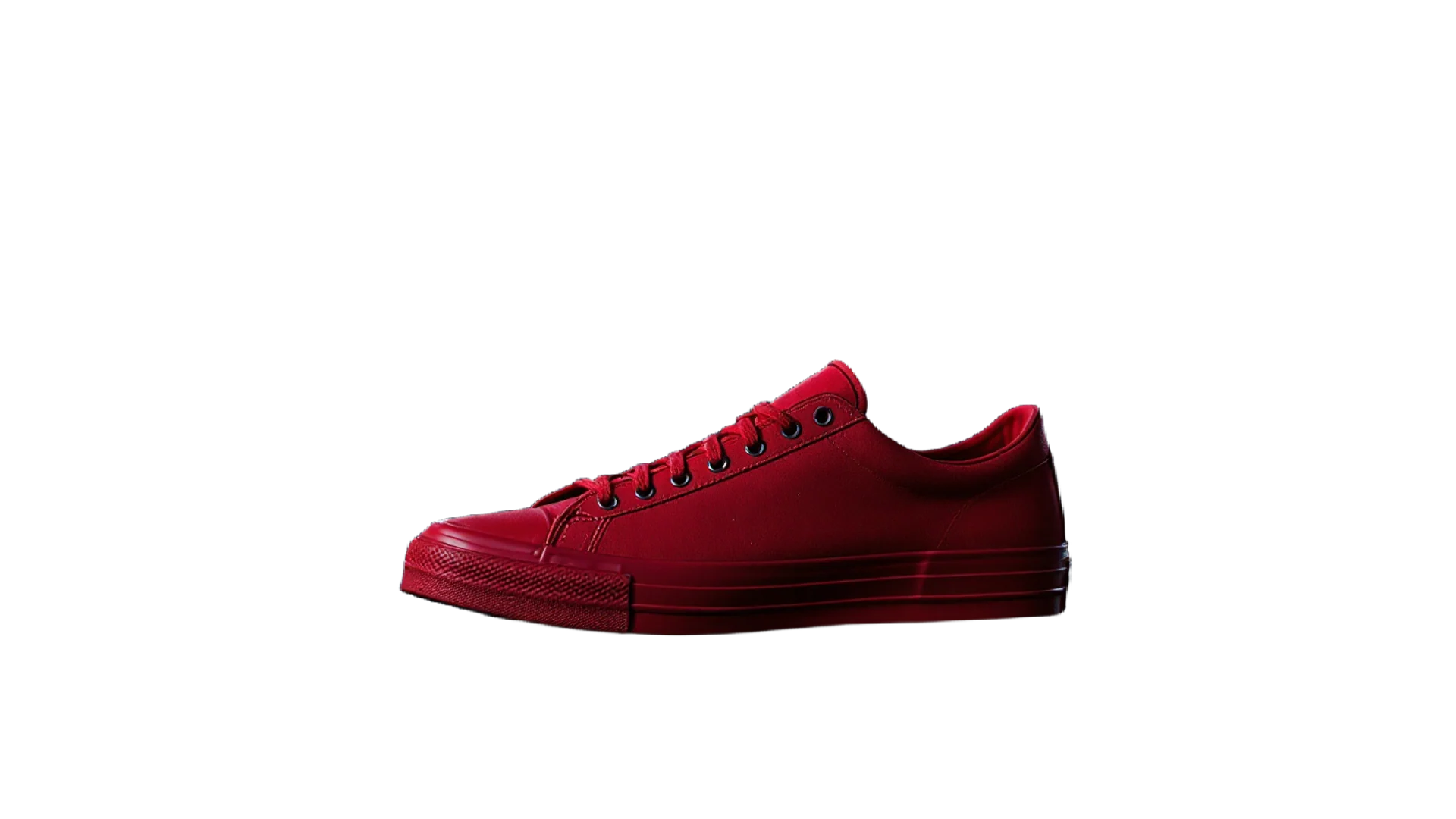 3 tokens
Background remover
A clean cut-out with a transparent background in one click.See the toolPricing
One balance for every tool. Monthly plans give the lowest price per token; one-off packs start at $6.35.
- About 24 upscales or 40 cut-outs
- 25% less per token than the Starter pack
- Unused tokens roll over; cancel any time
- About 80 upscales or 133 cut-outs
- 38% less per token than the Starter pack
- Unused tokens roll over; cancel any time
- About 240 upscales or 400 cut-outs
- 50% less per token than the Starter pack
- Unused tokens roll over; cancel any time
Questions
Something else? Ask us.
What are tokens?
Tokens are how you pay per image. Each tool shows its price in tokens before you run it, the tokens are taken when you click Generate, and anything that fails is refunded automatically. Tokens never expire.
Do I need a subscription?
No. You can buy a one-off pack whenever you need one. If you use the tools every month, a monthly plan gives you the lowest price per token; the tokens are added each month, unused ones roll over, and you can cancel any time.
How does the monthly plan work?
You pay once a month and that month's tokens are added to your balance straight away. They do not expire, so anything you do not use carries over. Cancel from Billing whenever you like and you keep the tokens you already have.
What can I upload?
PNG, JPEG or WebP up to 8MB. For mockups, a PNG logo with a transparent background gives the cleanest result. The image, video, voice and music generators need no upload at all.
Can I use the results commercially?
Yes. What you make is yours to use. The background remover and image extender run on Bria models trained only on licensed data, so they are safe for commercial work.
Who can see my images?
Only you. Uploads and results are stored privately against your account; nothing is shared or used to train anything.
How long does it take?
Most image tools finish in 5 to 20 seconds. Mockups take about 30 seconds because two photos are made, and a video clip takes about a minute.
What if I don't like the result?
Run it again with different options; each run is a new charge. If a run fails for any reason, its tokens come straight back.
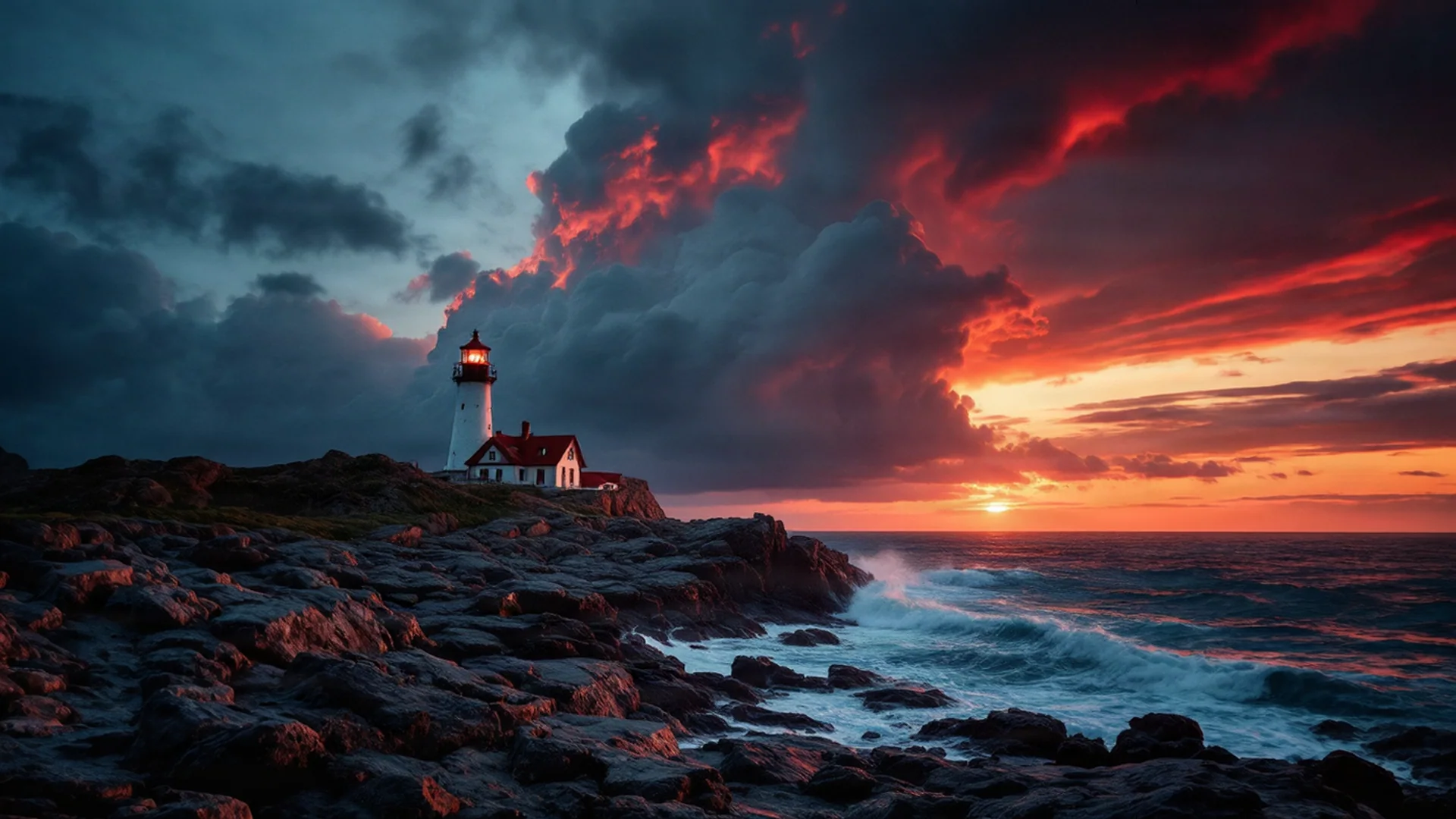
Try the blur background tool.
Create an account, pick a pack from $6.35, and drop in a picture.