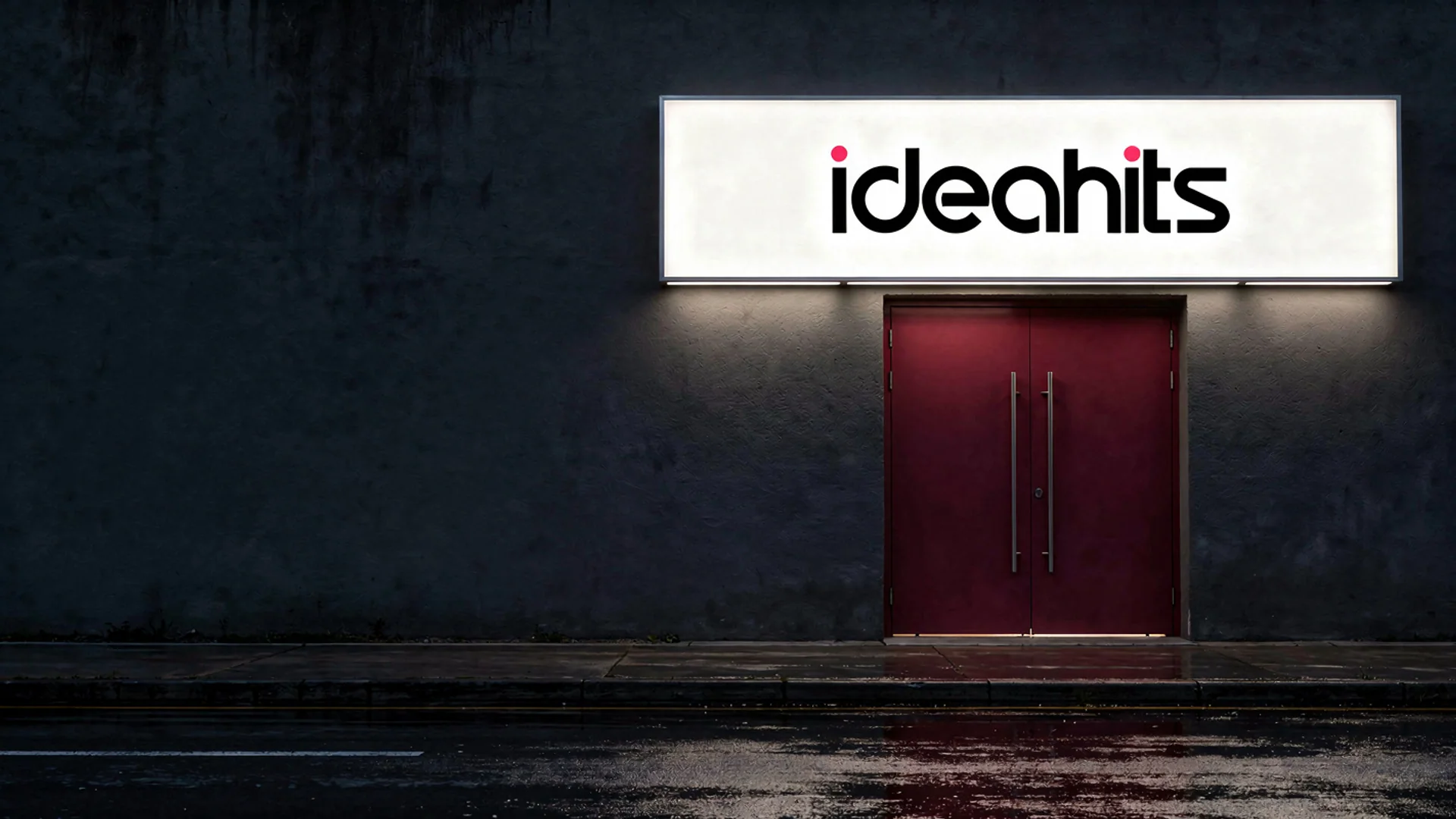
To put your logo on a mug or t-shirt mockup, start with a clean logo file on a transparent background, then place it on a photo of the product at the size and position it would really be printed. A mockup generator does the placing, lighting and shadows for you, and template files in a free editor are the hands-on alternative.
This guide covers what a mockup is good for, what makes one look real, how to make one in a few minutes, and the mistakes that give a mockup away.
What a Mockup Is For, and What It Is Not
A mockup shows how a design will look on a real object before anything is made. It is useful for:
- checking that a logo still reads at small sizes, on a cap or a phone case;
- showing a client or a business partner a logo in use;
- previewing merch before you order any;
- pitch decks, portfolios and launch posts.
A mockup is not a print proof. It does not show the exact ink colours, the print area of the blank you will order, or how the print sits on a particular fabric. For that, ask your printer for a proof or order a sample.
What Makes a Mockup Look Real
- Clean artwork. A transparent PNG with no white box. A white rectangle around a logo on a black mug is the most common giveaway.
- Believable size and placement. A left-chest logo on a t-shirt is small. A full front print is large. Use the size you would actually order.
- The design follows the surface. It should curve around a mug, bend with the folds of a hoodie and catch the same light and shadow as the product.
- Contrast with the product colour. A dark logo disappears on a navy bag. Have a light or reversed version of your logo ready for dark products.
- A setting that fits the use. A clean studio shot suits a shop page; a lifestyle scene suits social posts.

How to Make a Logo Mockup in the Studio
ideahits is a self-serve AI studio in the browser, so you make the mockups yourself. These steps work for any of the products.
- Prepare the logo. Use the largest, cleanest file you have. If it sits in a white box, run it through the Background remover first so it is on a transparent background. No logo yet? In the ideahits studio you answer a few questions and it draws four original logo marks in your colours.
- Open the Mockup generator and upload your logo or design.
- Choose a product. There are fourteen: coffee mug, t-shirt, hoodie, tote bag, business card, cap, phone case, framed poster, packaging box, storefront sign, laptop sticker, notebook, water bottle and billboard.
- Choose a setting. There are five, from a clean studio to lifestyle and outdoor scenes.
- Add details in Anything else. Give the product colour and where the design sits, for example “black mug” or “small on the left chest”.
- Run it. You get two photorealistic mockups to choose from. They are made with FLUX.2 pro, which keeps your design's shapes, colours and text intact.
- Check the details at full size: spelling, thin lines and colours. If a fine detail gets lost on a small product, try a simpler version of the logo.
The token cost is shown before every run, and if a run fails its tokens come back. Results are yours to use commercially. See pricing for monthly plans and one-off packs.

Tips for Mugs, T-Shirts and Small Items
- Mugs. A very wide logo wraps around the curve, so its ends turn away from the camera. A compact or stacked version of the logo reads better on the side facing the viewer.
- T-shirts and hoodies. Decide between a small left-chest logo and a large centre-front print, and say which in Anything else. Folds in the fabric bend the design a little, as they would in real life.
- Caps, phone cases and stickers. Simple, bold designs read most clearly on small products. Thin lines and small text are the first things to disappear.
- Business cards and packaging. A mockup shows the look, but printing needs proper print files and a proof from your printer.
Other Ways to Make Mockups
- Free template files. Many mockup templates come as layered PSD files with a smart object you replace with your logo. Photopea, a free editor in the browser, opens PSD files. You get full control over the exact angle and placement, but you have to find a template that fits, and popular templates turn up on a lot of other brands' pages.
- Your print supplier's previews. If you plan to sell printed goods through a print-on-demand service, its own previews usually show the exact blank and print area you will be selling.
- Photograph a real sample. For product listings and launch photos, a real sample photographed well is still the most honest picture of what a buyer will receive.
- A designer. For a full packaging range or print files with exact sizes and bleed, a designer or your printer is the right route.
Common Mistakes
- A white box around the logo. Remove the background first.
- A small, blurry logo file. Soft edges look worse on a large product such as a poster or a billboard. Use the original file, or export a large PNG from the vector version.
- Too much detail for the product. A detailed crest that works on a sign may turn to mush on a cap.
- Selling from mockups alone. Some marketplaces expect photos that show the actual item, so check the marketplace's current image rules, and make sure the picture fairly shows what arrives.
- Ordering stock from a mockup. Get a printed sample first, because colours on screen and in print often differ.
Questions
How do I put my logo on a mug mockup?
Upload your logo to the Mockup generator, choose the coffee mug and a setting, and add the mug colour in Anything else, for example “black mug”. Run it and you get two mockups to choose from.
Do I need a transparent PNG for a mockup?
It gives the cleanest result. If your logo has a white box around it, run it through the Background remover first so only the logo is printed on the product.
What products can I make mockups of?
Fourteen: coffee mug, t-shirt, hoodie, tote bag, business card, cap, phone case, framed poster, packaging box, storefront sign, laptop sticker, notebook, water bottle and billboard, in five settings from clean studio to outdoors.
Can I use a mockup to sell a product?
Results are yours to use commercially, so mockups suit ads, pitches and previews. For marketplace listings, check the current image rules and make sure the photo fairly shows what the buyer will get.