
- Home
- What you can make
- Book cover design
Book cover design, made in minutes.
Book cover design with artwork that fits the story. Generate cover art, restyle a photo into an illustration, and get a large, sharp file for print.
- Price
- from 1 token
- Plans
- From $12 a month, or one-off packs from $6
- Tools
- AI image generator, Style changer, Image extender, Image upscaler
- Time
- Most results in 5 to 40 seconds
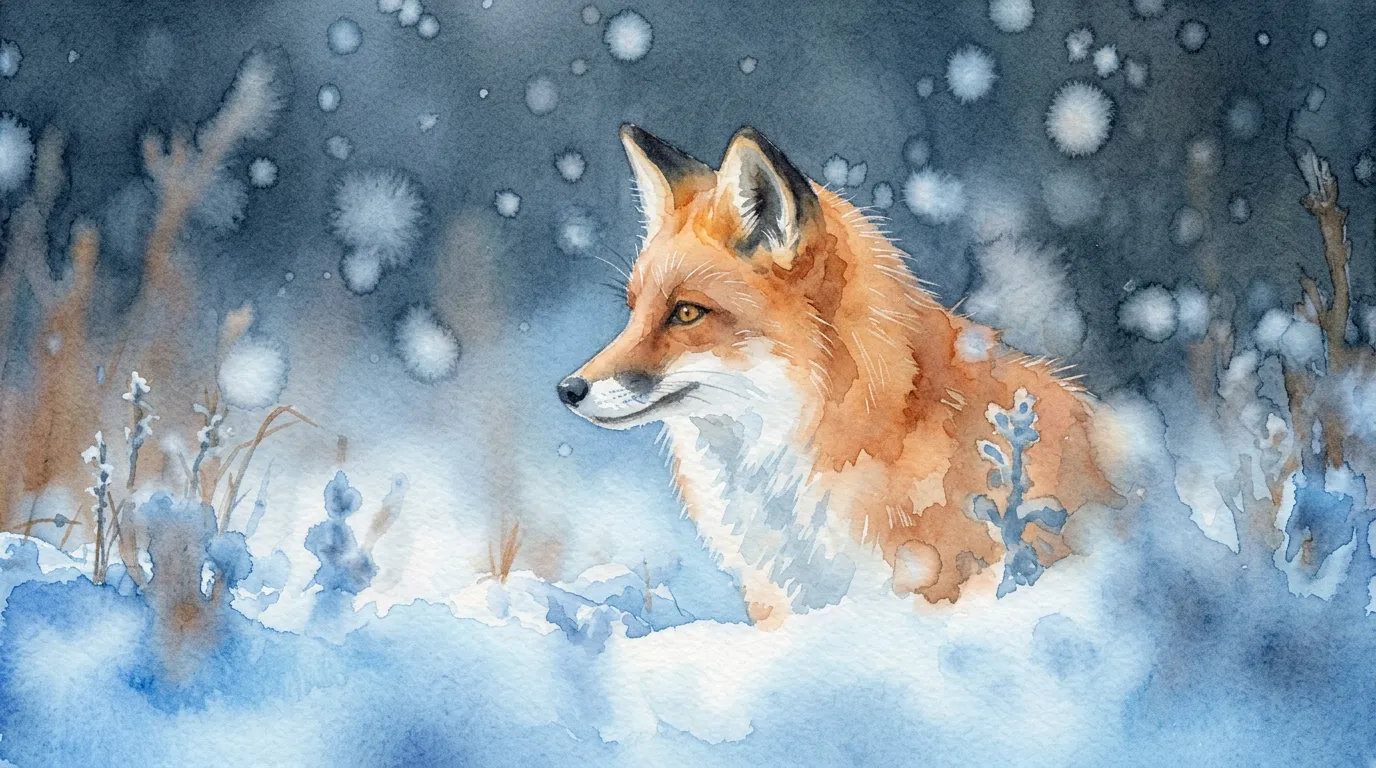
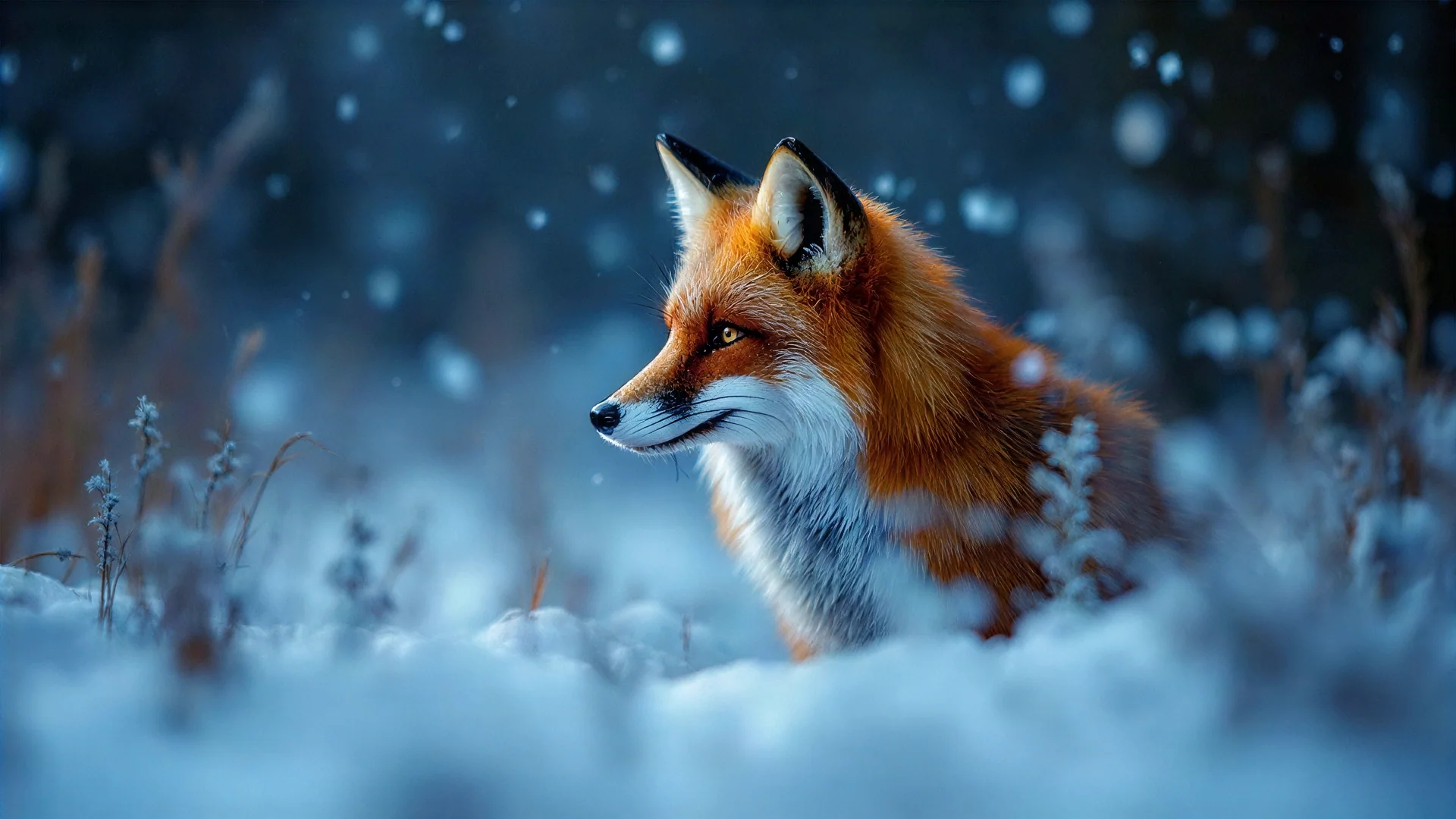 BeforeAfter
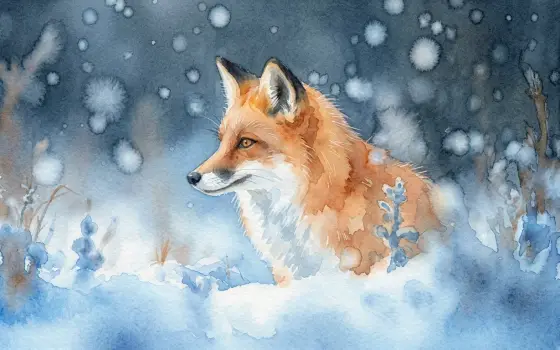
Style: watercolour.
What you can make
A book cover is judged as a thumbnail in an online shop long before anyone holds the book. It has to signal the genre at a glance, carry a title that reads small, and still look good full size on a shelf.
The studio makes the cover art: illustrations or photographic scenes from a description, a photo redrawn in a painted style, wider versions for a wraparound cover, and large files. It does not set your title and author name as finished type or build the print template with the spine; do that in a cover tool or layout program, or with a designer.
- 01Cover art from a description, in many styles
- 02A photo redrawn as watercolour, ink or 3D
- 03Large, sharp files for print and stores
- 04Your cover art photographed as a framed poster or on a notebook
The tools for it
Each one does one job. Use one, or chain them: make it, cut it out, put it on a product.
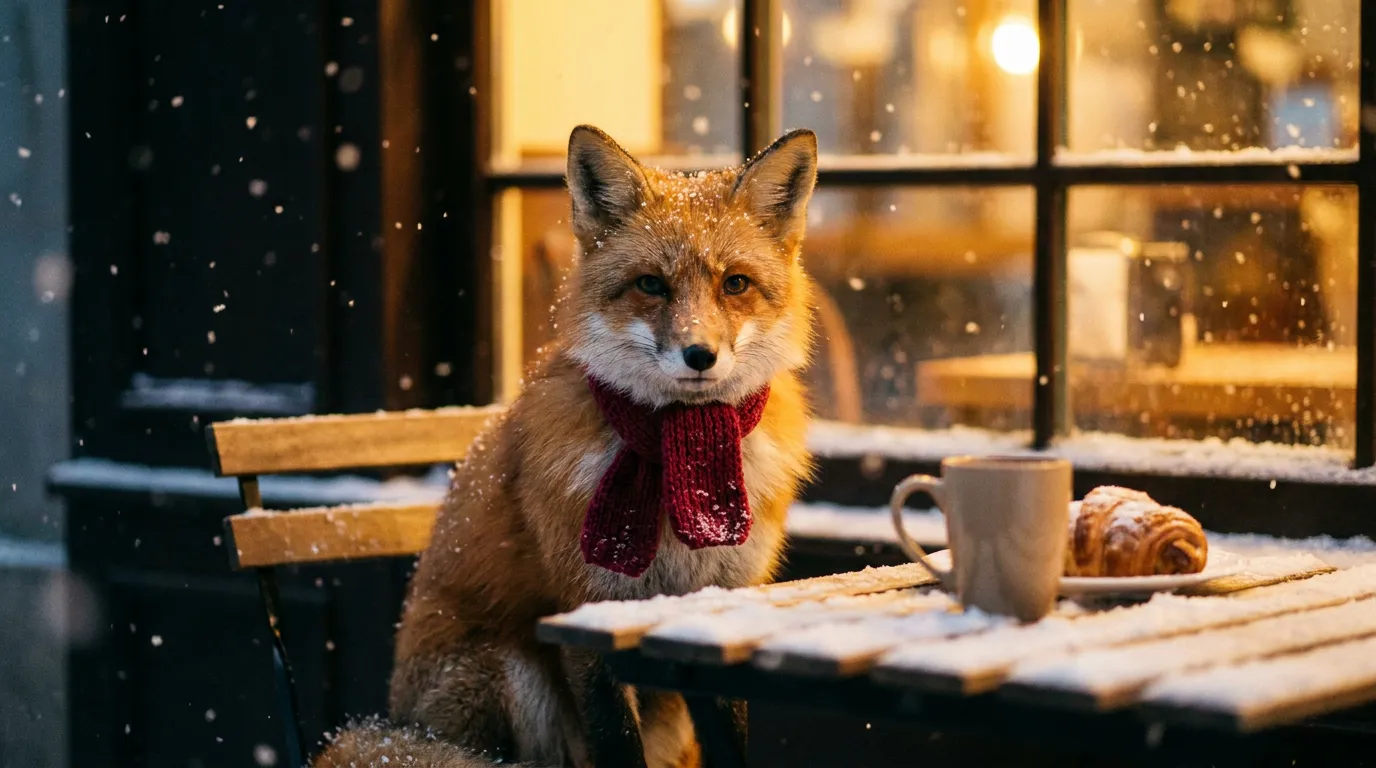 from 1 token
AI image generator
Describe a picture and get it in seconds, from the model that suits the job.See the toolfrom 1 tokenStyle changer
Redraw a photo as anime, watercolour, clay, pixel art and more.See the tool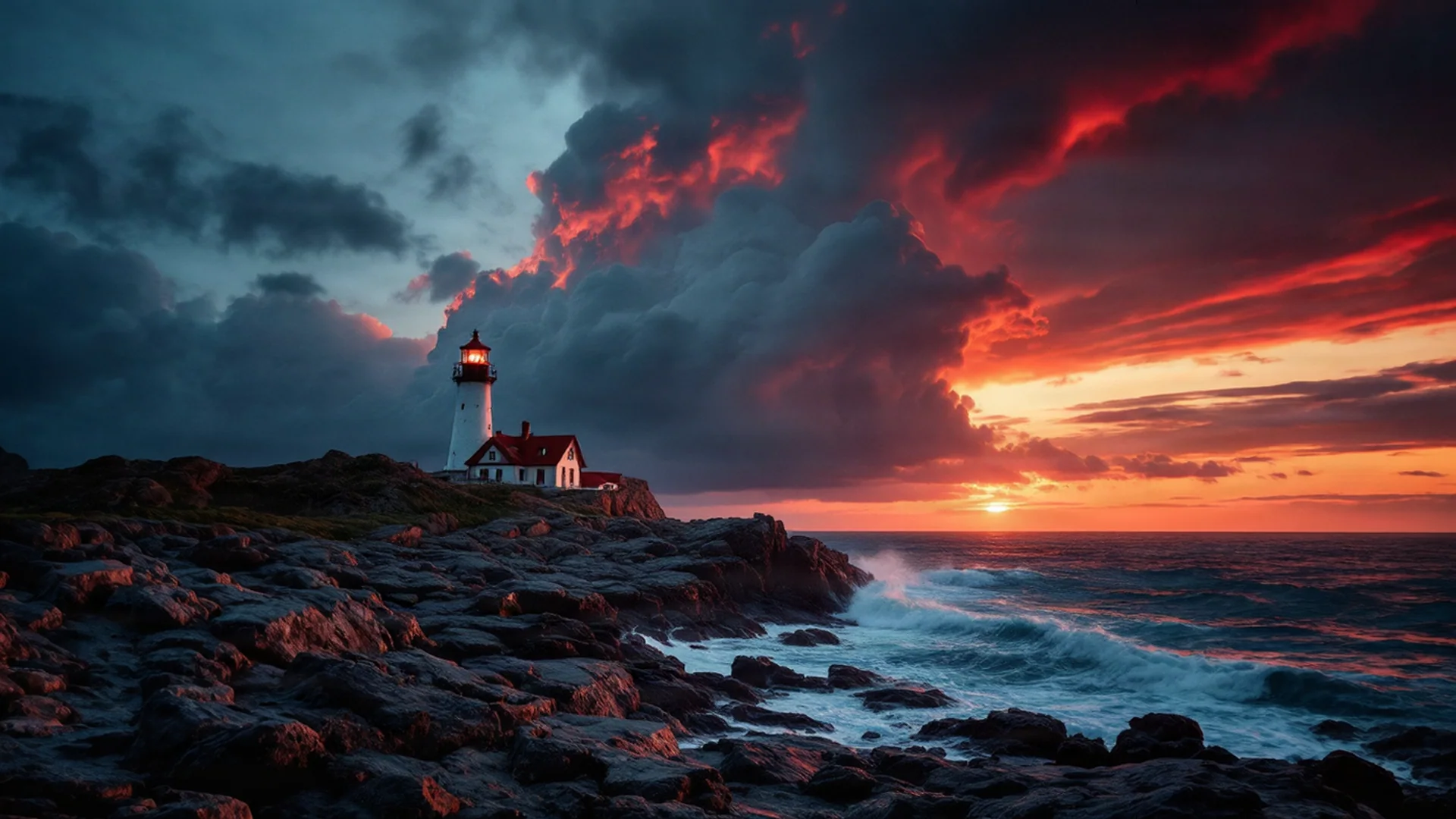 5 tokens
Image extender
Make a picture wider or taller; the AI paints what's beyond the edge.See the toolfrom 5 tokensImage upscaler
Turn a small or soft picture into a sharp, print-ready one.See the toolHow to make it, step by step
- 1
Create the art
Describe the scene in the AI image generator in the 2:3 portrait shape, leaving clear sky or calm space where the title will go.
- 2
Give it a painted look
If you have a suitable photo, redraw it with the Style changer as a watercolour, an oil painting or a pencil sketch.
- 3
Wrap it round
Use the Image extender to widen the front art so it continues across the spine and the back cover.
- 4
Enlarge it for print
Run the final art through the Image upscaler so it stays sharp at full print size.
Ideas that work
Rules of thumb for book cover design, whichever tool you use.
Follow your genre's signals
Thrillers, romances and cookbooks each have recognisable looks that readers use to sort books in a second. Work within the conventions and make your own version.
Test it as a thumbnail
Shrink the cover to the size of a shop listing. If the title becomes unreadable or the picture turns to noise, simplify.
Leave room for the type
Keep the top or bottom of the picture calm so the title and author name sit on it without fighting the image.
One focal point
A single figure, object or place is stronger than a collage. Let the rest of the cover support it.
Plans
One balance for every tool. Monthly plans give the lowest price per token; one-off packs start at $6.
- About 24 upscales or 40 cut-outs
- 17% less per token than the Starter pack
- Tokens last a month; cancel any time
- About 80 upscales or 133 cut-outs
- 33% less per token than the Starter pack
- Tokens last a month; cancel any time
- About 240 upscales or 400 cut-outs
- 45% less per token than the Starter pack
- Tokens last a month; cancel any time
More in covers and publishing
Questions
Something else? Ask us.
Can I use an AI-generated cover on Amazon KDP?
Yes, but KDP asks you to tell it about AI-generated content, including images, when you publish. Make sure the cover does not copy another book, artist or brand, and follow KDP's cover size guidelines.
Does the studio add my title and author name?
Not as finished typography. The AI image generator can draw short words if you put them in quotes, but for a clean, editable title, set the type over the art in a cover tool or layout program.
How do I make the spine and back cover?
Your printer or publishing platform gives you a template whose spine width depends on the page count and paper. Widen your front art with the Image extender to fill it, then add the back cover text in the template.
What resolution does a print book cover need?
Printers usually ask for 300 dpi at the printed size. Generate the art, enlarge it with the Image upscaler, and check the pixel size against your printer's measurements before you upload.
What are tokens?
Tokens are how you pay per image. Each tool shows its price in tokens before you run it, the tokens are taken when you click Generate, and anything that fails is refunded automatically. Tokens from a one-off pack last 12 months; tokens from a monthly plan last a month from the day they arrive.
Do I need a subscription?
No. You can buy a one-off pack whenever you need one. If you use the tools every month, a monthly plan gives you the lowest price per token; the tokens are added each month, last a month, and you can cancel any time.
How does the monthly plan work?
You pay once a month and that month's tokens are added to your balance straight away. Each month's tokens last a month from the day they arrive, and the soonest-expiring tokens are always used first. Cancel from Billing whenever you like; the tokens you have stay until their date.
What can I upload?
PNG, JPEG or WebP up to 8MB. For mockups, a PNG logo with a transparent background gives the cleanest result. The image, video, voice and music generators need no upload at all.
Can I use the results commercially?
Yes. What you make is yours to use. The background remover and image extender run on Bria models trained only on licensed data, so they are safe for commercial work.
Who can see my images?
Only you. Uploads and results are stored privately against your account; nothing is shared or used to train anything.
How long does it take?
Most image tools finish in 5 to 20 seconds. Mockups take about 30 seconds because two photos are made, and a video clip takes about a minute.
What if I don't like the result?
Run it again with different options; each run is a new charge. If a run fails for any reason, its tokens come straight back.

Make book cover design today.
Create an account, pick a pack from $6, and drop in a picture.
10 free tokens to start