
- Home
- What you can make
- Book interiors
Book interiors, made in minutes.
Book interiors with artwork that fits the story. Generate cover art, restyle a photo into an illustration, and get a large, sharp file for print.
- Price
- from 1 token
- Plans
- From $12 a month, or one-off packs from $6
- Tools
- AI image generator, Sketch to image, Style changer, Image upscaler
- Time
- Most results in 5 to 40 seconds
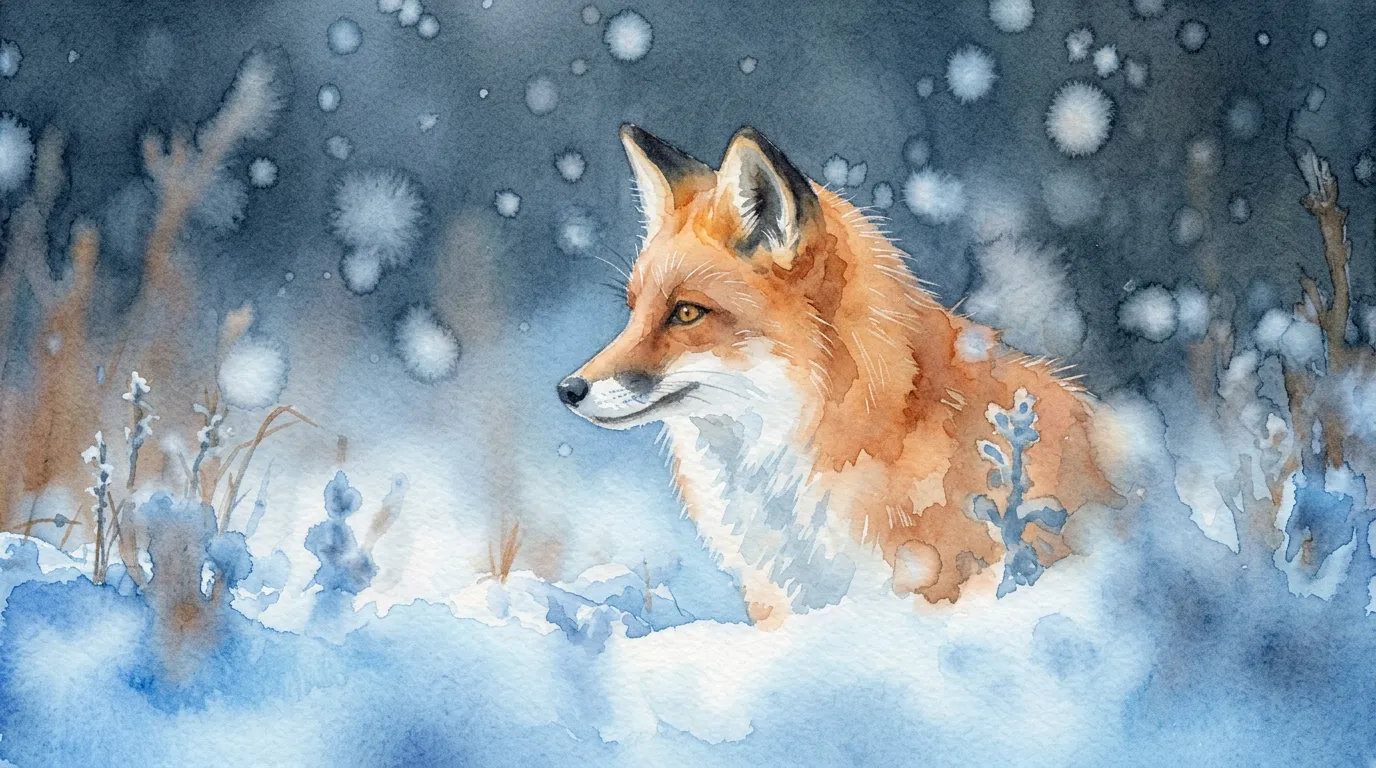
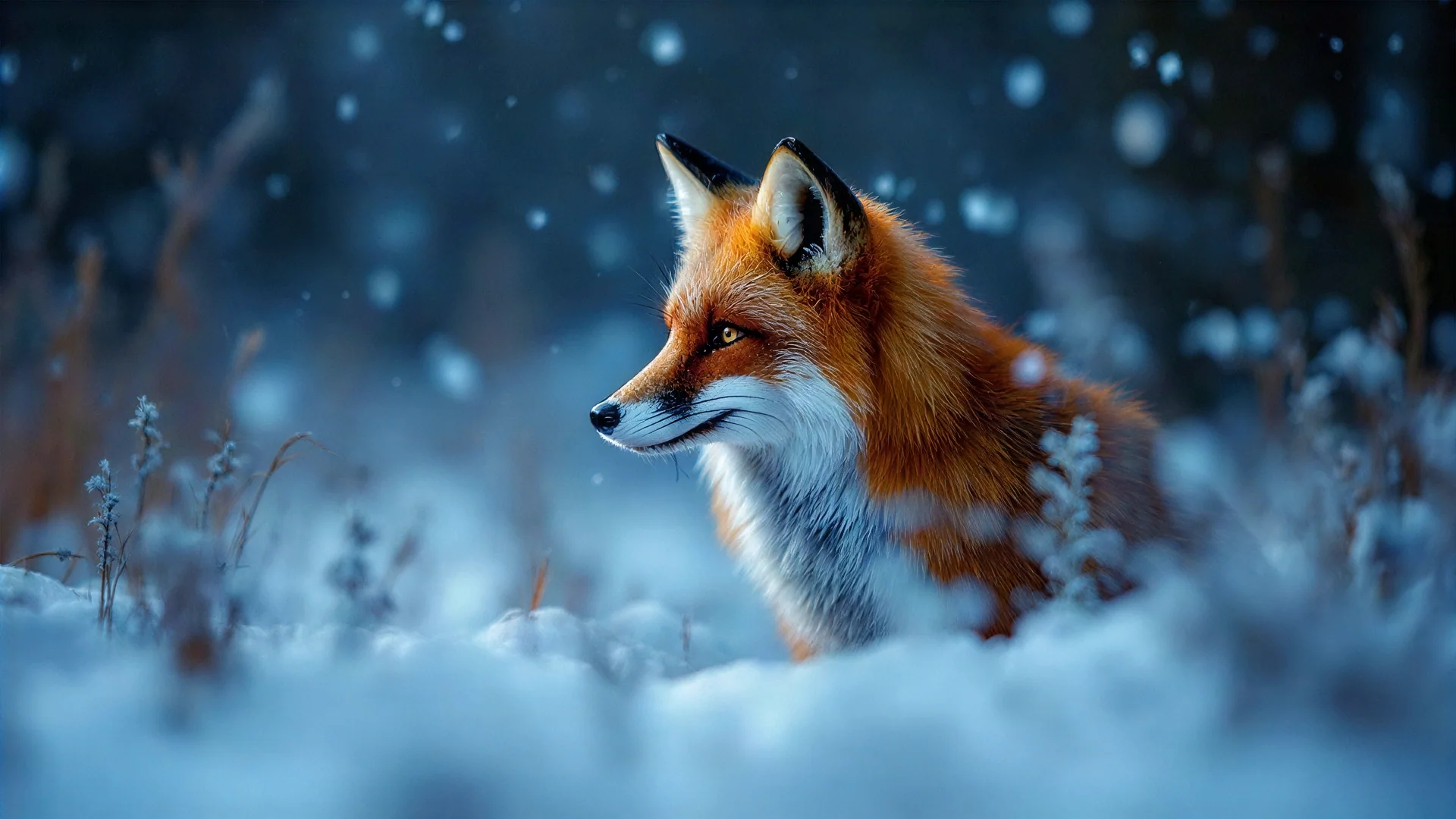 BeforeAfter
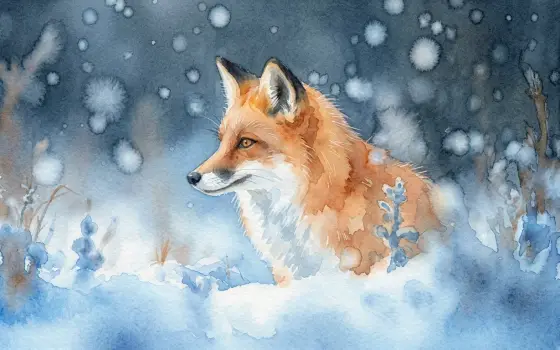
Style: watercolour.
What you can make
Interior book design is the layout of the pages: typefaces, margins, chapter openings and where pictures sit. It is what makes a book comfortable to read, and it is done in a layout program, by you or by a book designer.
The studio does not typeset or lay out your interior. It makes the art that goes inside, such as chapter header illustrations, spot drawings, ornaments and full-page pictures, plus the cover visuals, in one consistent look you can place in your layout.
- 01Cover art from a description, in many styles
- 02A photo redrawn as watercolour, ink or 3D
- 03Large, sharp files for print and stores
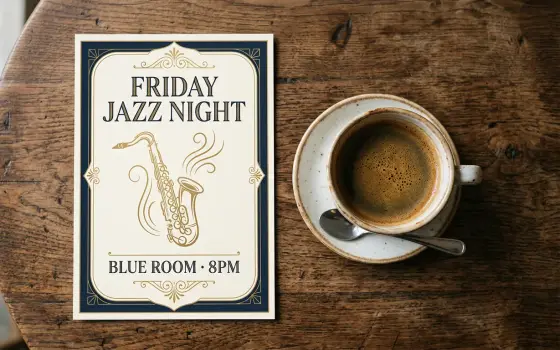
- 04Your cover art photographed as a framed poster or on a notebook
The tools for it
Each one does one job. Use one, or chain them: make it, cut it out, put it on a product.
 from 1 token
AI image generator
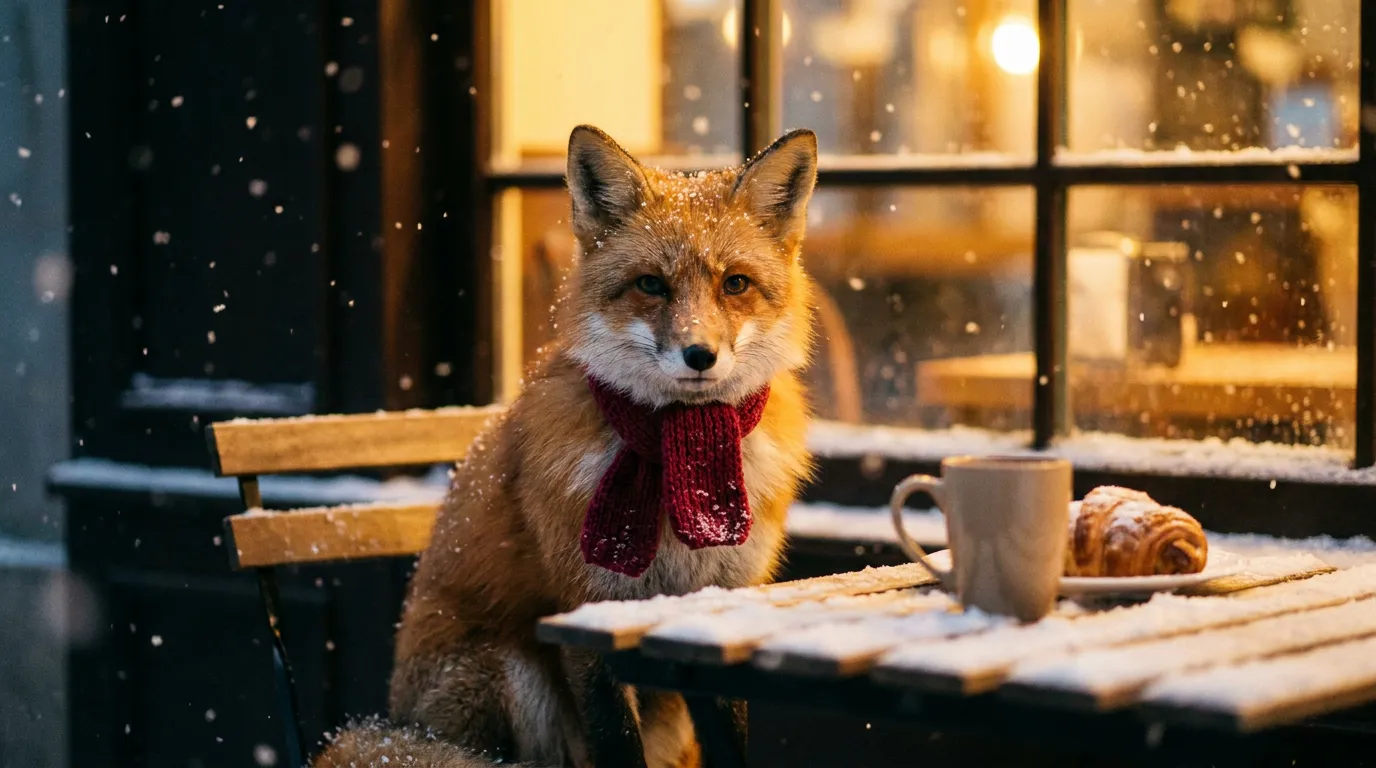
Describe a picture and get it in seconds, from the model that suits the job.See the tool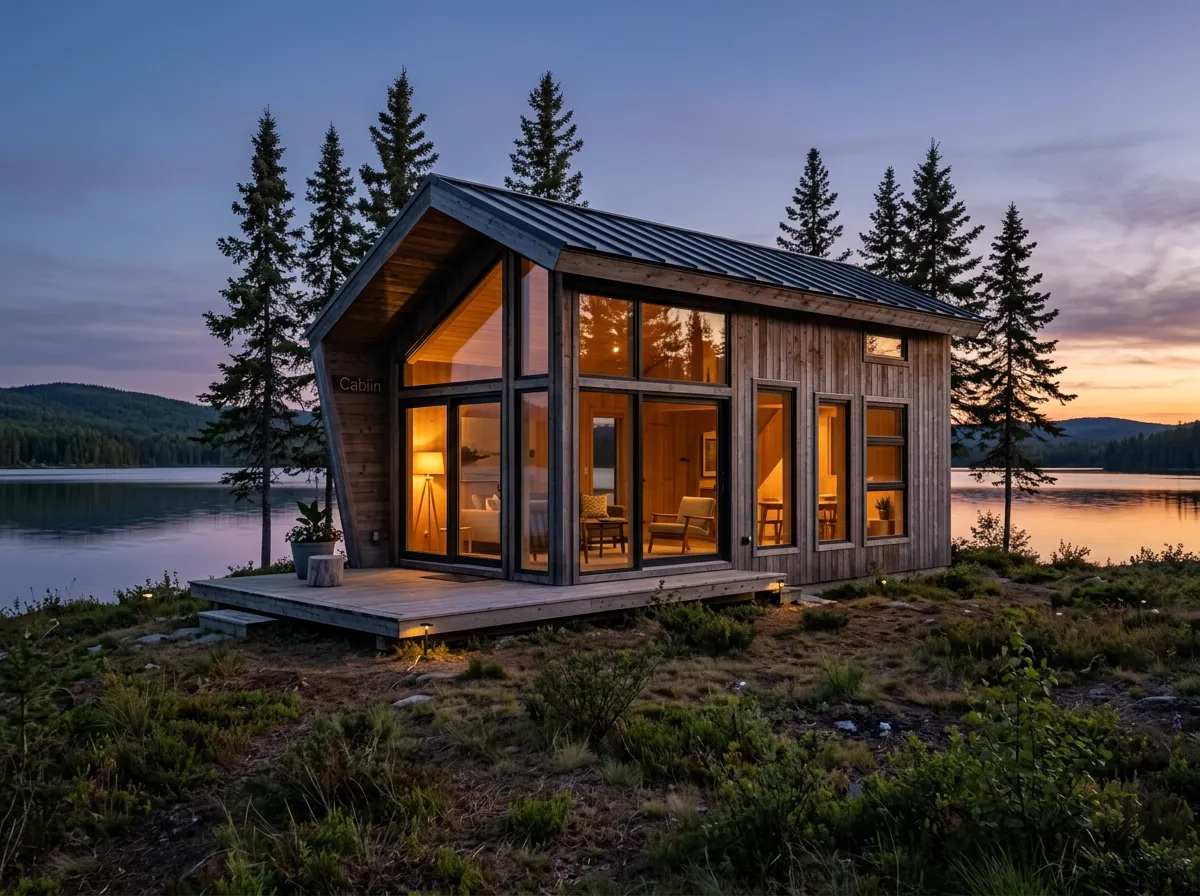 from 1 token
Sketch to image
Turn a rough drawing into a finished picture that follows your layout.See the toolfrom 1 tokenStyle changer
Redraw a photo as anime, watercolour, clay, pixel art and more.See the tool5 tokensImage upscaler
Turn a small or soft picture into a sharp, print-ready one.See the toolHow to make it, step by step
- 1
Set one style
Pick a look in the AI image generator, such as line art for black-and-white printing or watercolour for a colour edition, and reuse the same style words for every picture.
- 2
Draw from your own sketches
For scenes you have pictured exactly, sketch them roughly and finish them with Sketch to image, which keeps your layout.
- 3
Bring older art into line
Redraw photos or earlier pictures in the same look with the Style changer, so new and old art sit together.
- 4
Size for the page
Enlarge each final picture with the Image upscaler before placing it in your layout program.
Ideas that work
Rules of thumb for book interiors, whichever tool you use.
Keep art out of the gutter
The inner margin disappears into the binding. Keep faces and key details away from it, especially in full-page pictures.
Repeat a motif
A small ornament or drawing style repeated at every chapter opening gives the book a designed feel with little effort.
Plan placement before you draw
Decide which pages get full-page art and which get small spot drawings, then generate to those shapes rather than cropping later.
Leave breathing room
White space around a chapter opener makes it feel special. Resist filling every margin with decoration.
Plans
One balance for every tool. Monthly plans give the lowest price per token; one-off packs start at $6.
- About 24 upscales or 40 cut-outs
- 17% less per token than the Starter pack
- Tokens last a month; cancel any time
- About 80 upscales or 133 cut-outs
- 33% less per token than the Starter pack
- Tokens last a month; cancel any time
- About 240 upscales or 400 cut-outs
- 45% less per token than the Starter pack
- Tokens last a month; cancel any time
More in covers and publishing
Questions
Something else? Ask us.
Can ideahits typeset my book?
No. The studio makes illustrations and decoration, not page layouts. Typeset the text in a book layout program such as Adobe InDesign, Affinity Publisher or Vellum, or with a book designer, and place the art there.
Will colour illustrations work in a black-and-white book?
They print in shades of grey, and some lose contrast because different colours turn into the same grey. Check each one in greyscale first, or use the line-art look in the AI image generator, which draws black ink on white.
Can I use AI illustrations in a children's book?
Yes, but keeping a character looking the same from page to page is the hard part. Describe the character in identical words every time, or sketch each scene and finish it with Sketch to image to control the poses.
What are chapter headers and ornaments?
A chapter header is the art or styled title at the start of each chapter; ornaments are small decorations such as dividers between scenes. Both give a book a consistent, finished feel.
What are tokens?
Tokens are how you pay per image. Each tool shows its price in tokens before you run it, the tokens are taken when you click Generate, and anything that fails is refunded automatically. Tokens from a one-off pack last 12 months; tokens from a monthly plan last a month from the day they arrive.
Do I need a subscription?
No. You can buy a one-off pack whenever you need one. If you use the tools every month, a monthly plan gives you the lowest price per token; the tokens are added each month, last a month, and you can cancel any time.
How does the monthly plan work?
You pay once a month and that month's tokens are added to your balance straight away. Each month's tokens last a month from the day they arrive, and the soonest-expiring tokens are always used first. Cancel from Billing whenever you like; the tokens you have stay until their date.
What can I upload?
PNG, JPEG or WebP up to 8MB. For mockups, a PNG logo with a transparent background gives the cleanest result. The image, video, voice and music generators need no upload at all.
Can I use the results commercially?
Yes. What you make is yours to use. The background remover and image extender run on Bria models trained only on licensed data, so they are safe for commercial work.
Who can see my images?
Only you. Uploads and results are stored privately against your account; nothing is shared or used to train anything.
How long does it take?
Most image tools finish in 5 to 20 seconds. Mockups take about 30 seconds because two photos are made, and a video clip takes about a minute.
What if I don't like the result?
Run it again with different options; each run is a new charge. If a run fails for any reason, its tokens come straight back.



Make book interiors today.
Create an account, pick a pack from $6, and drop in a picture.
10 free tokens to start