
- Home
- What you can make
- Labels
Labels, made in minutes.
Labels shown on a real product, in the setting you want. Put your artwork on a pack shot, change the background and the light, all without a photo studio.
- Price
- from 1 token
- Plans
- From $12 a month, or one-off packs from $6
- Tools
- AI image generator, Sketch to image, Image upscaler, Background replacer
- Time
- Most results in 5 to 40 seconds
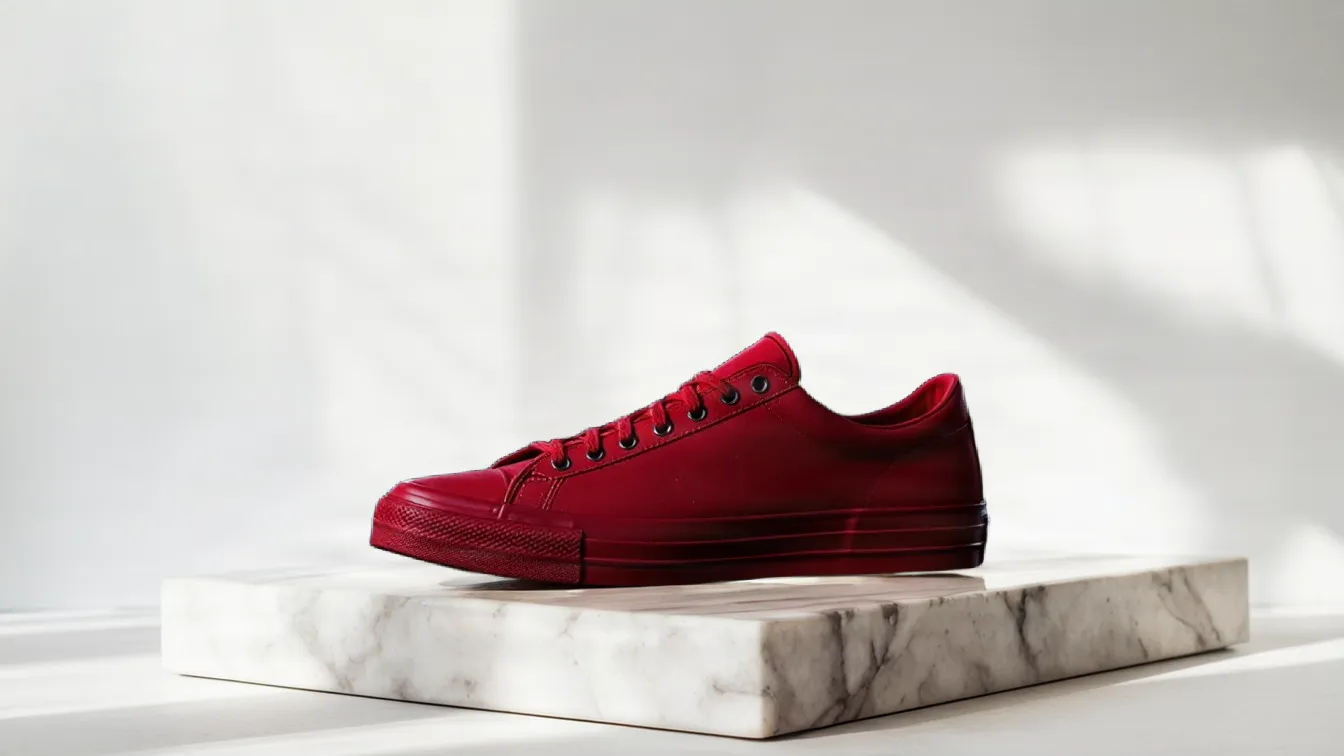
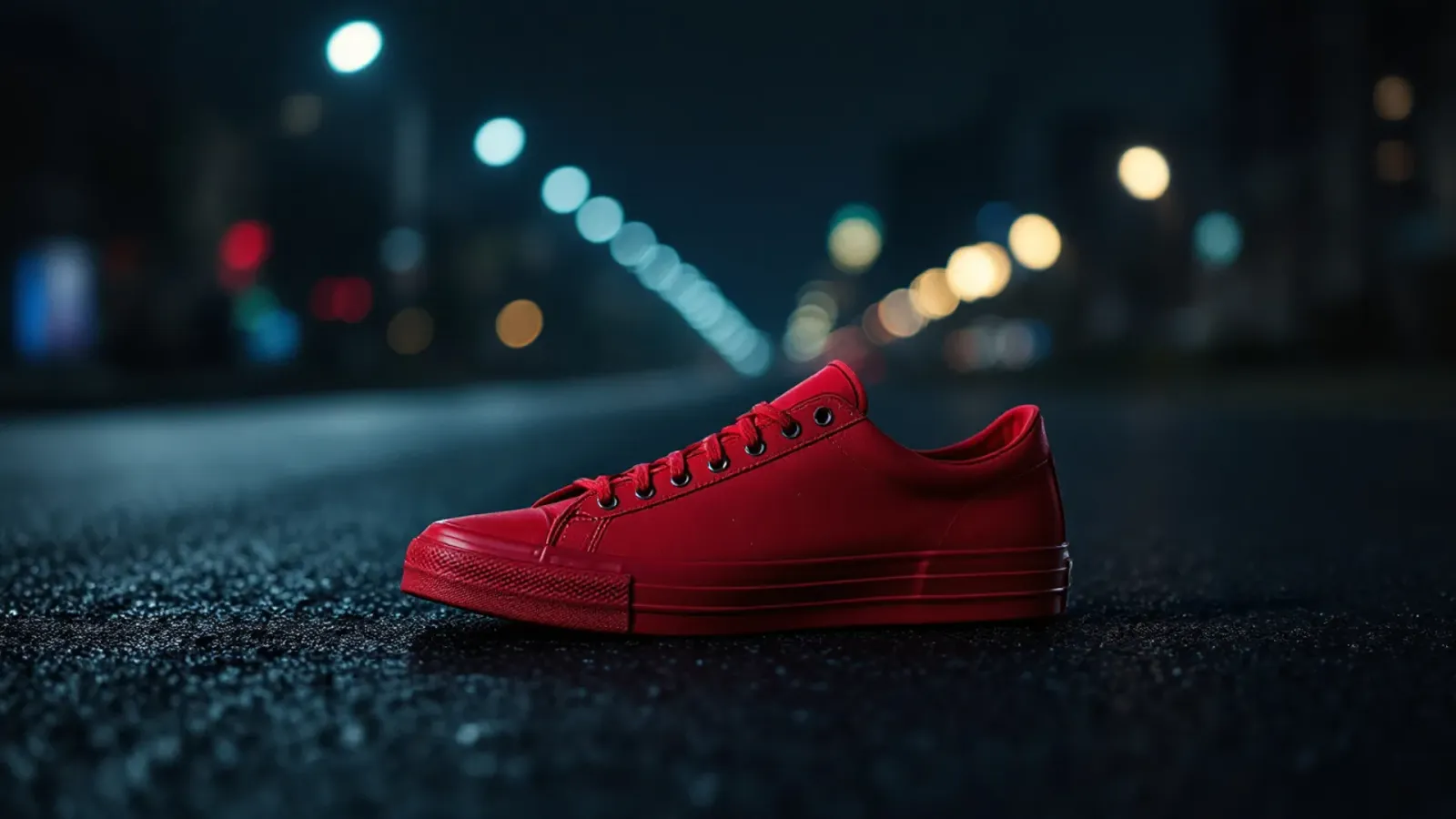 BeforeAfter
“On a white marble plinth in a bright studio.”
What you can make
A good label does two jobs: it makes a jar, bottle, candle or bar of soap look like it belongs to your brand, and it carries the information buyers and the law expect. The look usually comes from an illustration, a pattern or a strong logo.
The studio makes that artwork: illustrations from a description or a sketch, patterns, and large files for print. It does not lay out label text, barcodes or legal information, make cutter guides or print labels; place the artwork in your label printer's template or a layout program, then come back for product photos.
- 01Your label or box artwork on a photographed product
- 02Pack shots moved onto any background you describe
- 03The light changed to match a campaign
- 04New product scenes from a description
The tools for it
Each one does one job. Use one, or chain them: make it, cut it out, put it on a product.
 from 1 token
AI image generator
Describe a picture and get it in seconds, from the model that suits the job.See the tool from 1 token
Sketch to image
Turn a rough drawing into a finished picture that follows your layout.See the tool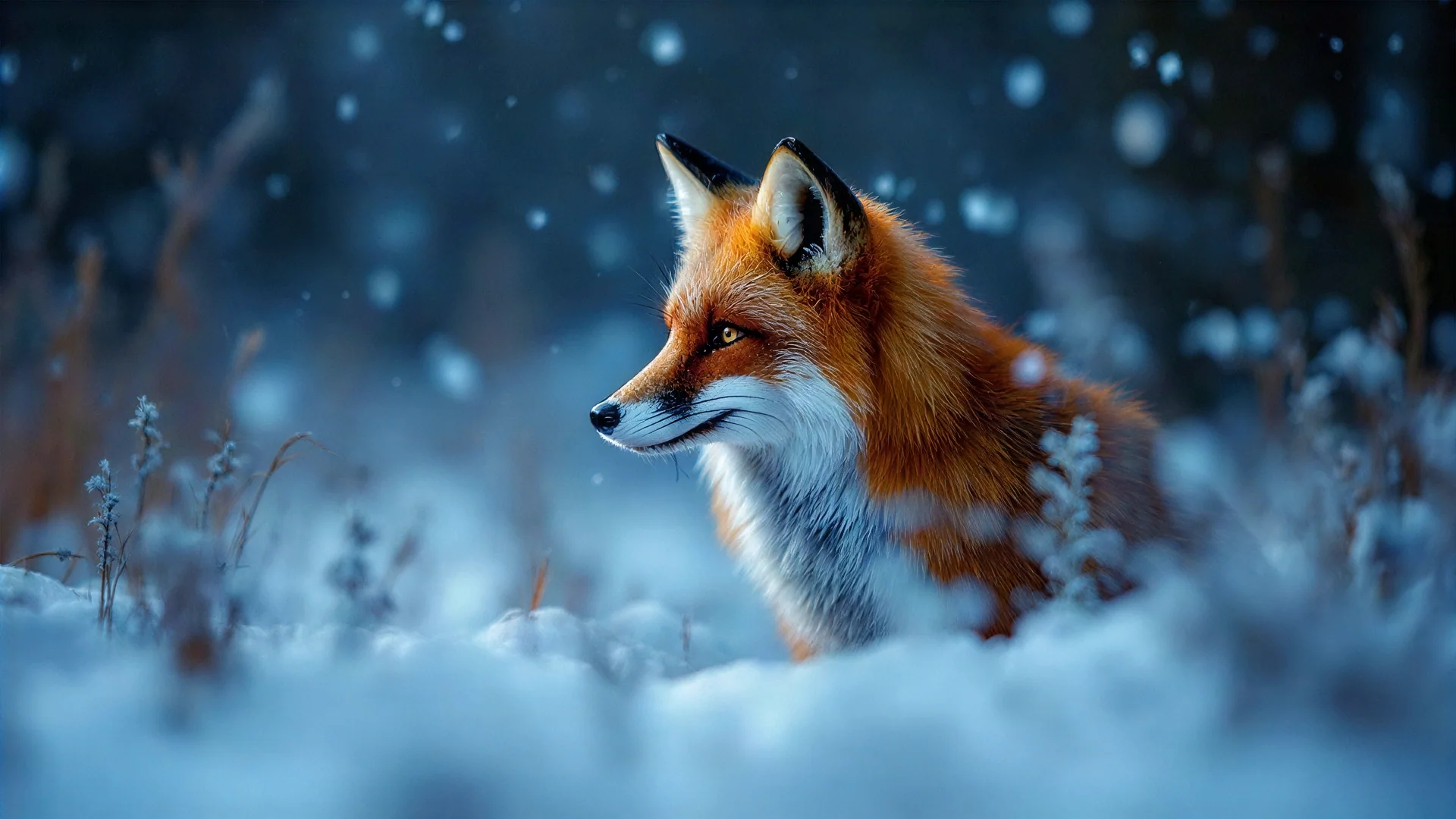 5 tokens
Image upscaler
Turn a small or soft picture into a sharp, print-ready one.See the toolfrom 1 tokenBackground replacer
Keep the subject, swap what's behind it. Describe the new setting.See the toolHow to make it, step by step
- 1
Make the label art
Describe the illustration in the AI image generator, for example a line-art lemon or a watercolour hillside, or draw it roughly and finish it with Sketch to image.
- 2
Separate the elements
Use the Background remover to lift a fruit, flower or mascot off its background so it can sit on any label colour.
- 3
Make it big enough
Enlarge the chosen art with the Image upscaler so it stays crisp when printed at label size.
- 4
Photograph the finished product
Once the labels are printed and applied, use the Background replacer to put the product on a kitchen shelf or a market stall for your shop listing.
Ideas that work
Rules of thumb for labels, whichever tool you use.
Leave room for the required text
Ingredients, weights, warnings and barcodes take more space than people expect. Plan their area before you settle the illustration.
Check the label at actual size
Print it on paper at real size and wrap it round the container. Fine detail that looks lovely on screen can turn to mush at label size.
Mind the curve
On round jars and bottles only the middle of the label faces the shopper. Keep the name and main picture in that central band.
Hint at what is inside
Colours and textures that suggest the contents, such as deep red for berries or kraft paper for handmade goods, tell shoppers what it is before they read a word.
Plans
One balance for every tool. Monthly plans give the lowest price per token; one-off packs start at $6.
- About 24 upscales or 40 cut-outs
- 17% less per token than the Starter pack
- Tokens last a month; cancel any time
- About 80 upscales or 133 cut-outs
- 33% less per token than the Starter pack
- Tokens last a month; cancel any time
- About 240 upscales or 400 cut-outs
- 45% less per token than the Starter pack
- Tokens last a month; cancel any time
More in packaging and labels
Questions
Something else? Ask us.
What size should a product label be?
Measure the container: the height of the flat area and how far round it you want the label to go. Label printers usually offer templates for common jar and bottle sizes, which are the safest starting point.
Can AI make a label for my product?
It can make the artwork, such as an illustration, a pattern or a logo. The text, barcode and legal information are added in a layout tool or the printer's online editor; the studio does not lay out labels.
What file do label printers need?
Usually a PDF or a high-resolution image at the label's real size, often with extra bleed around the edge. Ask your printer first, and use the Image upscaler to give them a large, sharp picture to work with.
What information goes on a food label?
It depends on the country and the product, but food labels usually need the name, the ingredients with allergens highlighted, the weight, a date mark and a business name and address. Check with your local food standards body before printing.
What are tokens?
Tokens are how you pay per image. Each tool shows its price in tokens before you run it, the tokens are taken when you click Generate, and anything that fails is refunded automatically. Tokens from a one-off pack last 12 months; tokens from a monthly plan last a month from the day they arrive.
Do I need a subscription?
No. You can buy a one-off pack whenever you need one. If you use the tools every month, a monthly plan gives you the lowest price per token; the tokens are added each month, last a month, and you can cancel any time.
How does the monthly plan work?
You pay once a month and that month's tokens are added to your balance straight away. Each month's tokens last a month from the day they arrive, and the soonest-expiring tokens are always used first. Cancel from Billing whenever you like; the tokens you have stay until their date.
What can I upload?
PNG, JPEG or WebP up to 8MB. For mockups, a PNG logo with a transparent background gives the cleanest result. The image, video, voice and music generators need no upload at all.
Can I use the results commercially?
Yes. What you make is yours to use. The background remover and image extender run on Bria models trained only on licensed data, so they are safe for commercial work.
Who can see my images?
Only you. Uploads and results are stored privately against your account; nothing is shared or used to train anything.
How long does it take?
Most image tools finish in 5 to 20 seconds. Mockups take about 30 seconds because two photos are made, and a video clip takes about a minute.
What if I don't like the result?
Run it again with different options; each run is a new charge. If a run fails for any reason, its tokens come straight back.
Make labels today.
Create an account, pick a pack from $6, and drop in a picture.
10 free tokens to start