
- Home
- What you can make
- Social media posts
Social media posts, made in minutes.
Social media posts for every channel. Make the pictures, resize them for each format, and turn them into short clips with a voice-over.
- Price
- from 1 token
- Plans
- From $12 a month, or one-off packs from $6
- Tools
- Banner, AI image generator, Image extender, Image to video
- Time
- Most results in 5 to 40 seconds

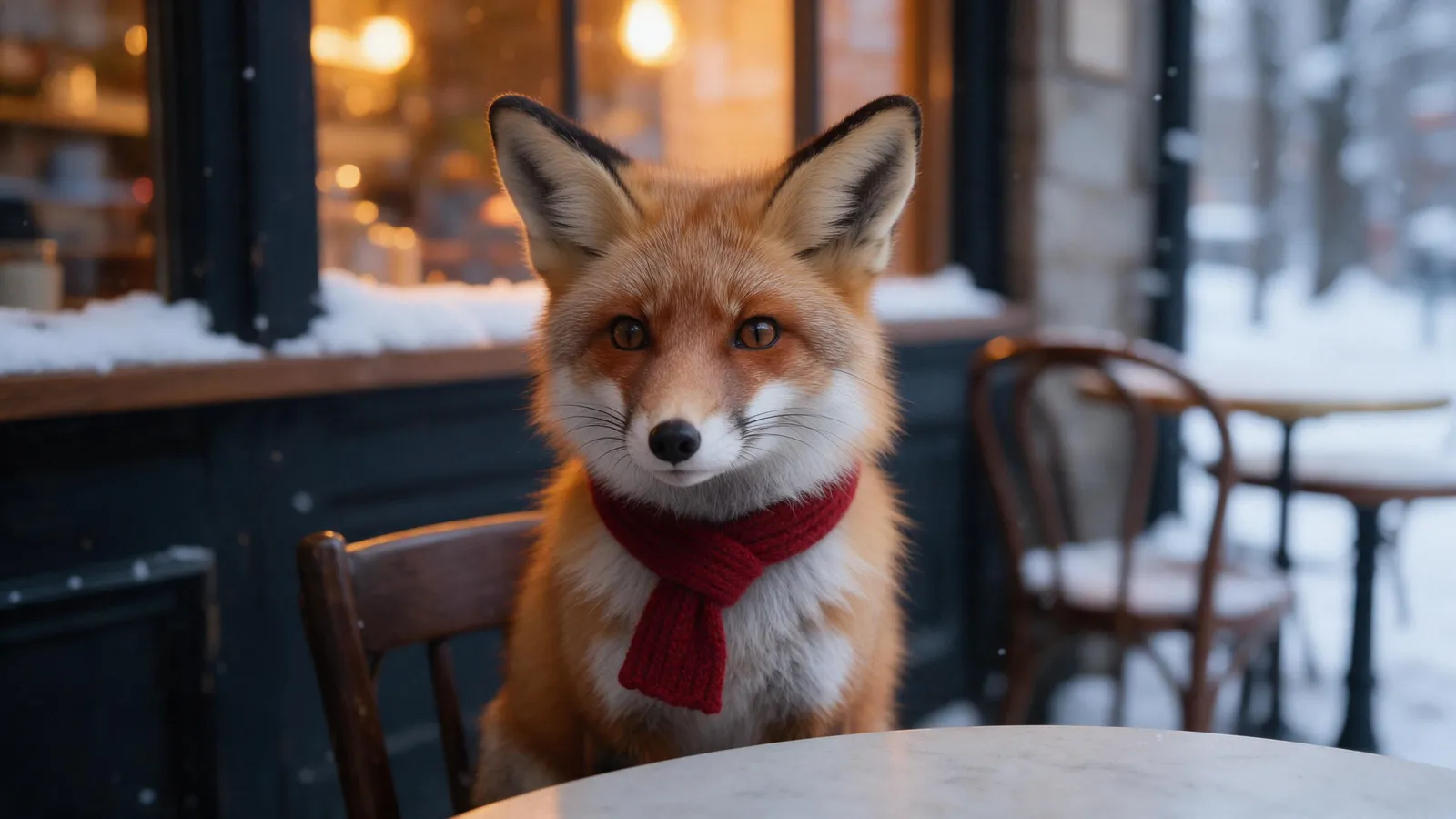


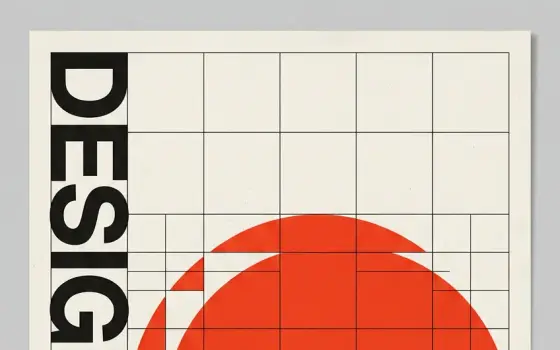
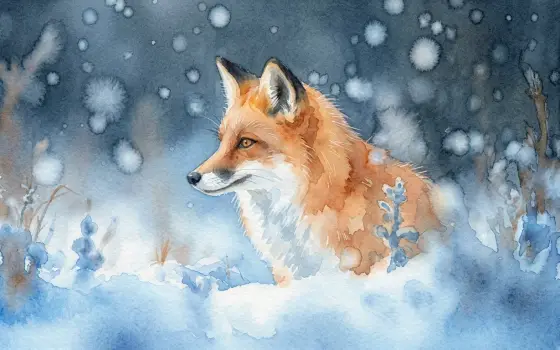
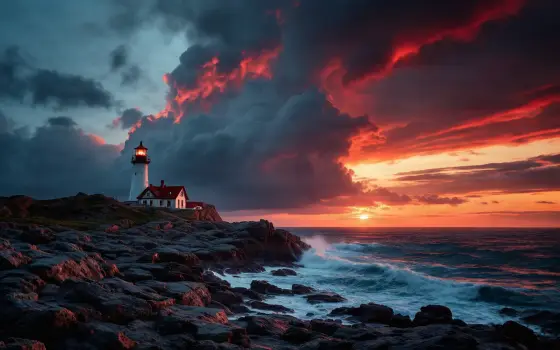
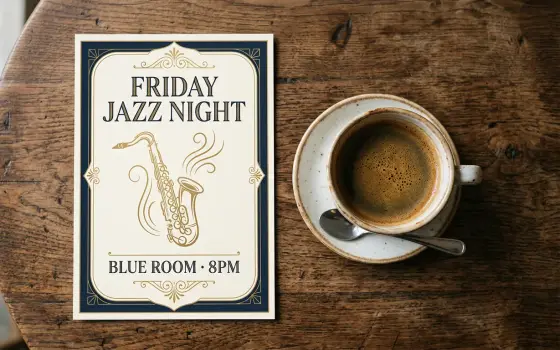
The same prompt, on four of the models.
What you can make
This page is about the posts themselves: the single images, carousels and announcement graphics that fill a feed week after week. The hard part is rarely one good post; it is producing a steady run of posts that look as if they come from the same brand.
The studio makes the pictures and headline graphics for each post and reshapes them for each feed. It does not write captions, assemble carousels or publish anything; you make each slide as an image and upload them in order on the platform.
- 01Posts and banners from a short brief
- 02Pictures resized for stories, reels and feeds
- 03Short video clips from a description or a picture
- 04Voice-overs and music for your videos
The tools for it
Each one does one job. Use one, or chain them: make it, cut it out, put it on a product.
from 1 tokenAI image generator
Describe a picture and get it in seconds, from the model that suits the job.See the tool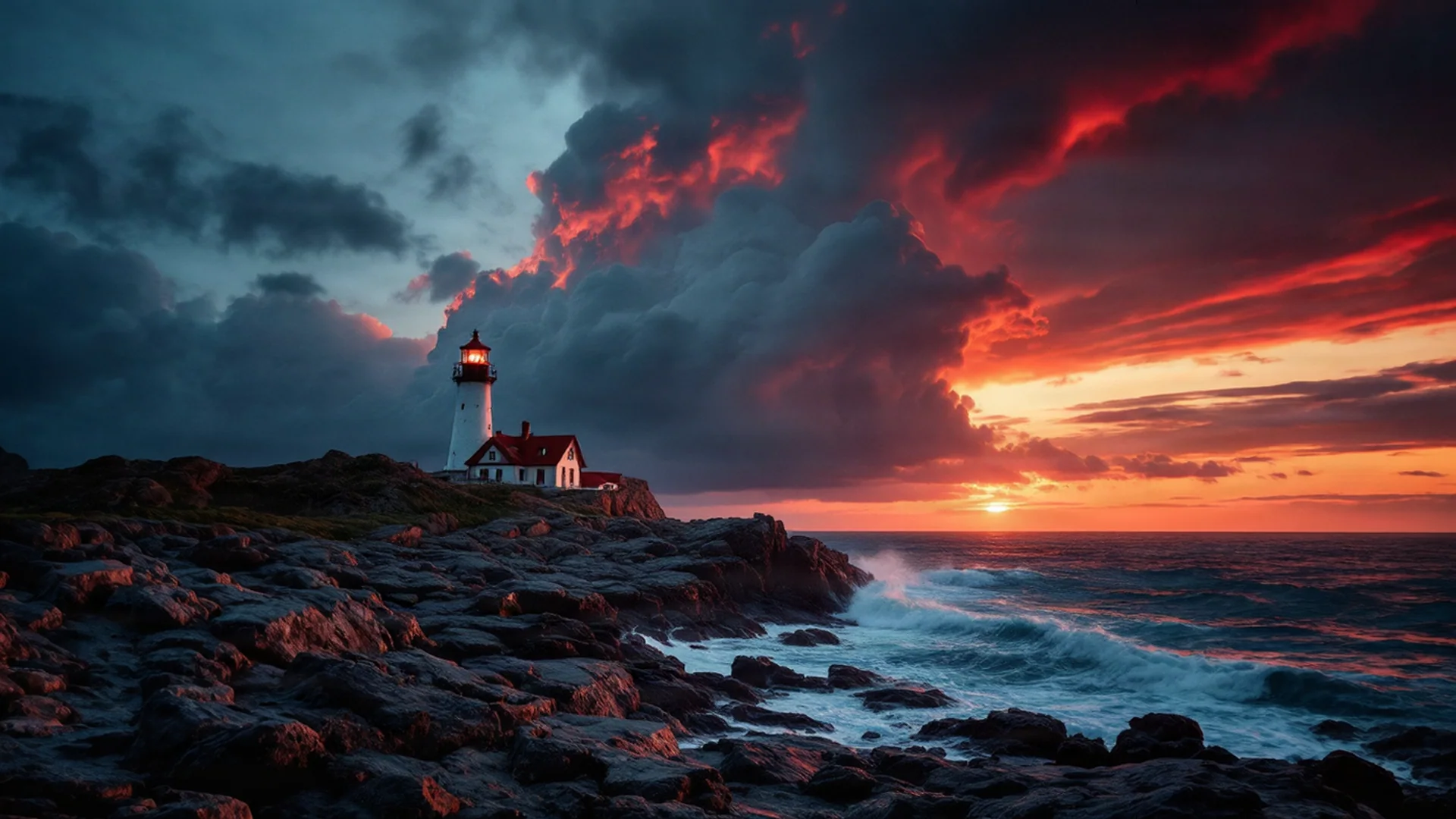 5 tokens
Image extender
Make a picture wider or taller; the AI paints what's beyond the edge.See the toolVideofrom 4 tokensImage to video
Bring a still picture to life: upload the first frame, describe the motion.See the tool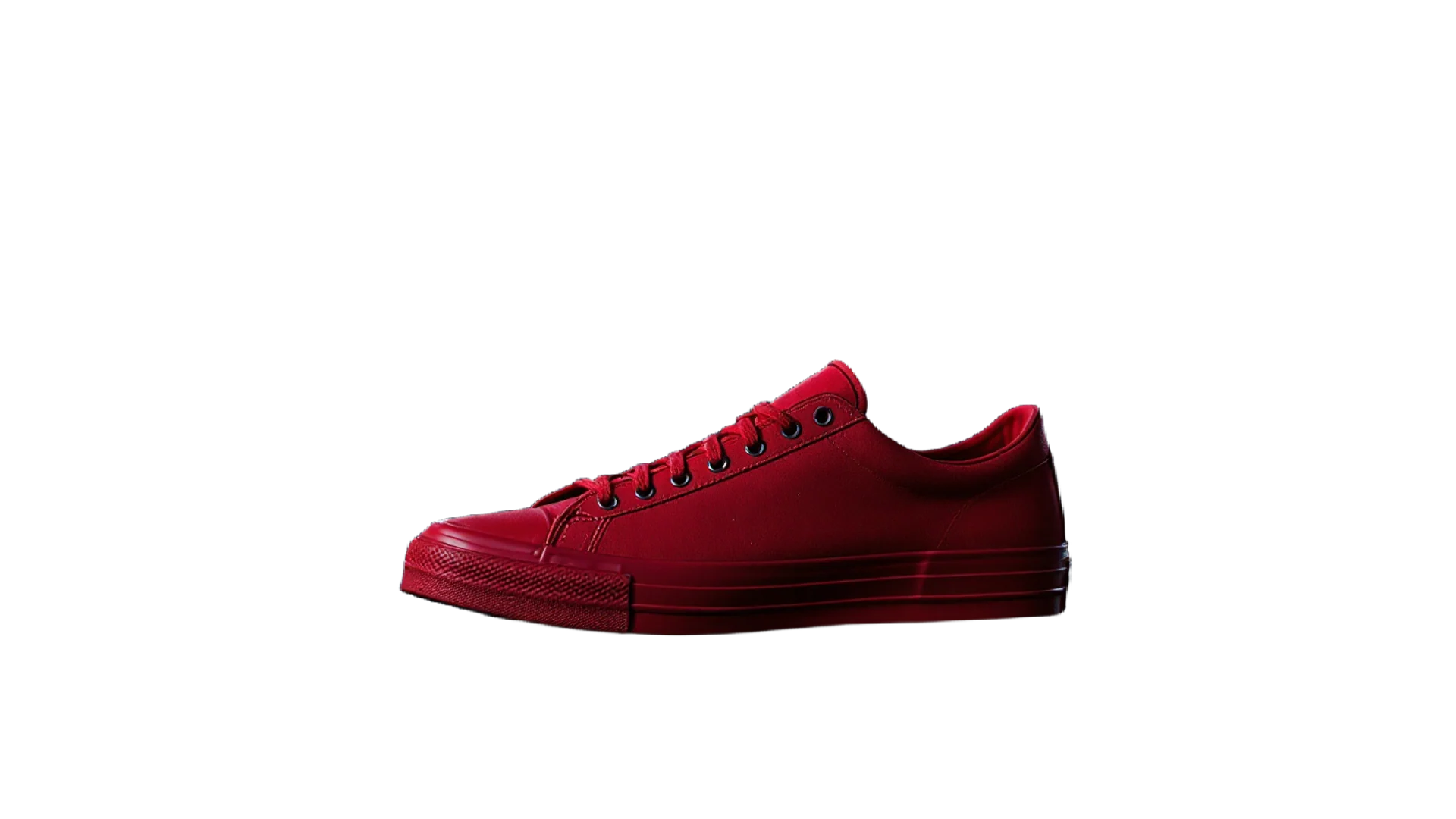 3 tokens
Background remover
A clean cut-out with a transparent background in one click.See the toolHow to make it, step by step
- 1
Plan the week
Pick a few post types you can repeat, such as a product, a tip and a behind-the-scenes picture, and settle on one style setting in the AI image generator so the set matches.
- 2
Make the pictures
Generate each picture in the AI image generator with that style and similar wording. For a post that needs a headline, use Banner design, which adds your logo, colours and text.
- 3
Fit the feed
Use the Image extender to turn a landscape picture into a square or a 4:5 portrait without cropping the subject.
- 4
Add movement now and then
Turn your strongest picture of the week into a short clip with Image to video to break up a feed of stills.
Ideas that work
Rules of thumb for social media posts, whichever tool you use.
One idea per post
A post that tries to say three things says none of them. Pick the single point and let the picture carry it.
Text big enough for a phone
Most people see your post on a small screen while scrolling. If the headline needs zooming to read, cut words until it does not.
Make the first carousel slide earn the swipe
The first slide decides whether anyone sees the rest. Put the promise or question there, and save the detail for the slides that follow.
Batch your posts
Making a week of posts in one sitting keeps the style consistent and stops posting from depending on spare minutes each day.
Plans
One balance for every tool. Monthly plans give the lowest price per token; one-off packs start at $6.
- About 24 upscales or 40 cut-outs
- 17% less per token than the Starter pack
- Tokens last a month; cancel any time
- About 80 upscales or 133 cut-outs
- 33% less per token than the Starter pack
- Tokens last a month; cancel any time
- About 240 upscales or 400 cut-outs
- 45% less per token than the Starter pack
- Tokens last a month; cancel any time
More in social and video
Questions
Something else? Ask us.
How often should a business post on social media?
There is no single right number. A routine you can keep up every week does more than a burst of daily posts followed by silence, so plan a pace you can sustain.
How do I make a carousel post?
Make each slide as a separate image in the same shape, number the files in the order you want, and upload them together as one post on the platform. Use the same style setting for every slide so the set looks planned.
How do I keep my posts looking consistent?
Reuse the same colours, style setting and wording pattern for each picture, and keep the logo in the same place. The Banner design brief applies the logo and colours from your Brand Vault automatically.
Can the studio write my captions?
No. It makes pictures, video, voice-overs and music, but not written posts or captions. Write the caption around the single point the picture makes.
What are tokens?
Tokens are how you pay per image. Each tool shows its price in tokens before you run it, the tokens are taken when you click Generate, and anything that fails is refunded automatically. Tokens from a one-off pack last 12 months; tokens from a monthly plan last a month from the day they arrive.
Do I need a subscription?
No. You can buy a one-off pack whenever you need one. If you use the tools every month, a monthly plan gives you the lowest price per token; the tokens are added each month, last a month, and you can cancel any time.
How does the monthly plan work?
You pay once a month and that month's tokens are added to your balance straight away. Each month's tokens last a month from the day they arrive, and the soonest-expiring tokens are always used first. Cancel from Billing whenever you like; the tokens you have stay until their date.
What can I upload?
PNG, JPEG or WebP up to 8MB. For mockups, a PNG logo with a transparent background gives the cleanest result. The image, video, voice and music generators need no upload at all.
Can I use the results commercially?
Yes. What you make is yours to use. The background remover and image extender run on Bria models trained only on licensed data, so they are safe for commercial work.
Who can see my images?
Only you. Uploads and results are stored privately against your account; nothing is shared or used to train anything.
How long does it take?
Most image tools finish in 5 to 20 seconds. Mockups take about 30 seconds because two photos are made, and a video clip takes about a minute.
What if I don't like the result?
Run it again with different options; each run is a new charge. If a run fails for any reason, its tokens come straight back.

Make social media posts today.
Create an account, pick a pack from $6, and drop in a picture.
10 free tokens to start