
- Home
- What you can make
- Mobile app visuals
Mobile app visuals, made in minutes.
Mobile app visuals: the pictures, icons and short videos that make a site look finished. Generate them, fit them to any section, and get sharp files for every screen.
- Price
- from 1 token
- Plans
- From $12 a month, or one-off packs from $6
- Tools
- Banner, AI image generator, Image extender, Background remover
- Time
- Most results in 5 to 40 seconds

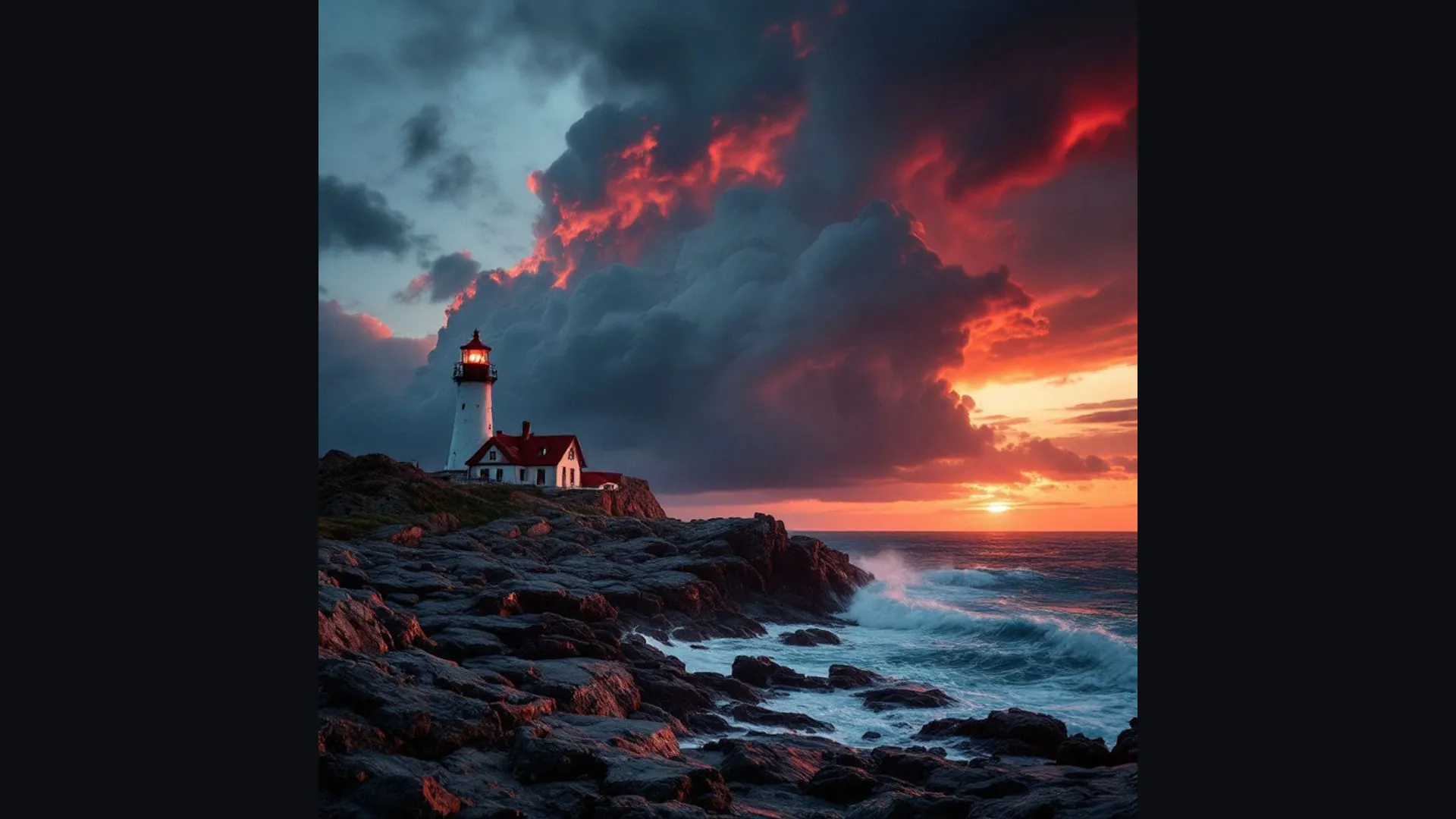 BeforeAfter
What you can make
A finished app needs more than working screens: an icon people tap, onboarding pictures that explain it, empty-state illustrations, store graphics and a short promo video. These are often left to the end and rushed.
ideahits does not build apps or design app screens and user flows; use your developer or a UI design tool for those. The studio makes the visuals around them: illustrations in one consistent style, icon concepts, cut-outs, wide promo graphics and short clips for launch posts.
- 01Hero images and section pictures from a description
- 02Any photo widened to fit a banner or header
- 03Product cut-outs for clean pages
- 04Short background videos
ideahits does not build websites or apps. It makes the visuals that go on them, which you can use with any website builder or developer.
The tools for it
Each one does one job. Use one, or chain them: make it, cut it out, put it on a product.
 from 1 token
AI image generator
Describe a picture and get it in seconds, from the model that suits the job.See the tool5 tokensImage extender
Make a picture wider or taller; the AI paints what's beyond the edge.See the tool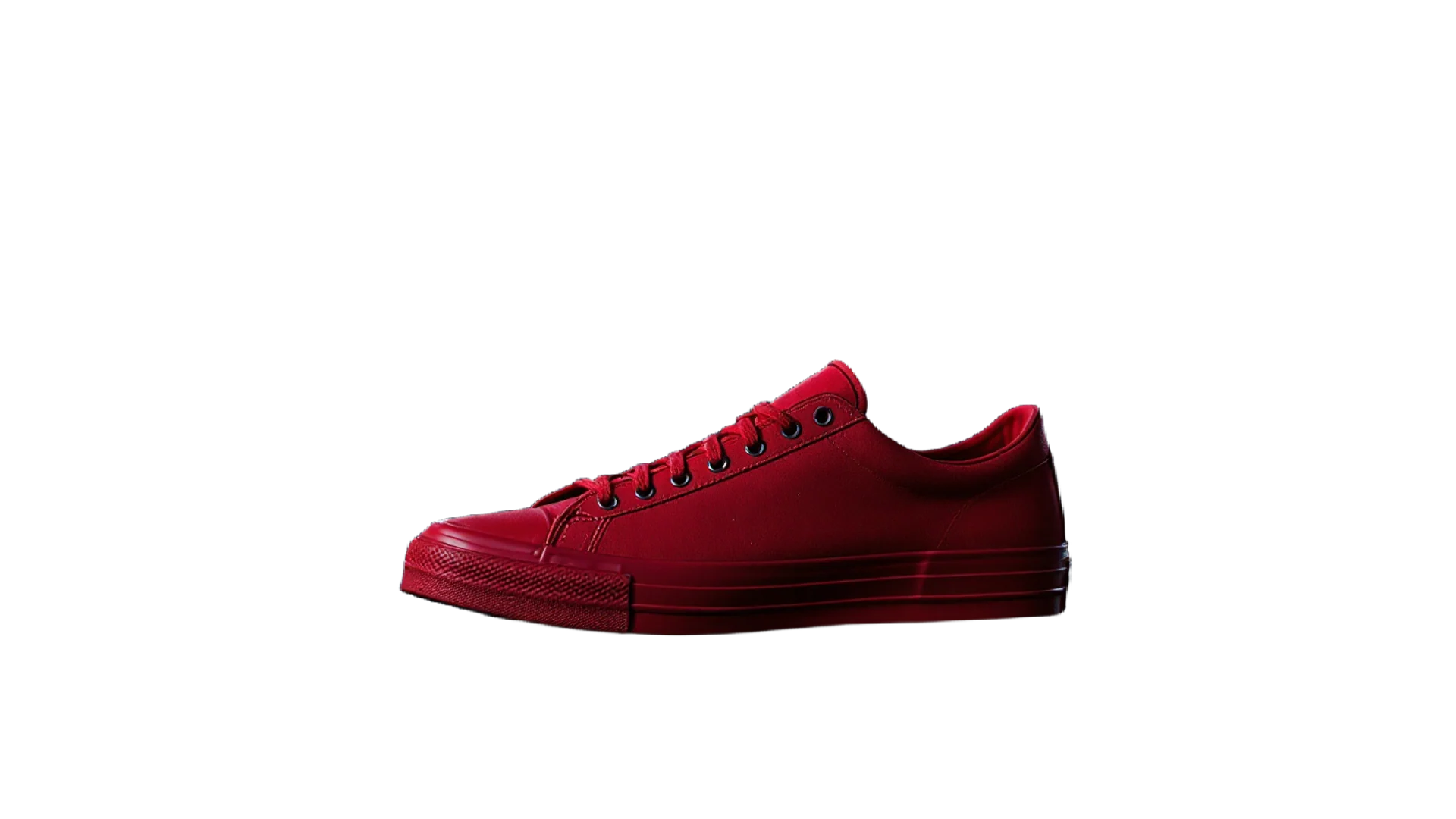 3 tokens
Background remover
A clean cut-out with a transparent background in one click.See the toolVideofrom 4 tokensAI video generator
Describe a shot and get a short video clip.See the toolHow to make it, step by step
- 1
Illustrate the onboarding
Generate a set of pictures in the AI image generator with one style setting, such as illustration or 3D render, one for each step of the welcome flow.
- 2
Clean up the elements
Use the Background remover so characters and objects drop onto your app's own background colours.
- 3
Make store and promo graphics
Use the Image extender to widen a key illustration into a feature banner or a header for the app's website.
- 4
Show it in motion
Make a short promo clip with the AI video generator, vertical for stories or widescreen for a website.
Ideas that work
Rules of thumb for mobile app visuals, whichever tool you use.
Keep the icon to one idea
App icons are seen tiny on a busy home screen. One simple shape and a strong colour work better than a detailed scene, and words rarely read.
Leave space for the words
Onboarding pictures sit above or below a short line of copy. Generate them with calm space on one side so the text has room.
Check light and dark mode
Test every illustration on light and dark backgrounds, as many people keep their phones in dark mode.
Show real screens in the store
Store screenshots should show the app as it is. Use generated art for the backgrounds around the screenshots, not to fake features.
Plans
One balance for every tool. Monthly plans give the lowest price per token; one-off packs start at $6.
- About 24 upscales or 40 cut-outs
- 17% less per token than the Starter pack
- Tokens last a month; cancel any time
- About 80 upscales or 133 cut-outs
- 33% less per token than the Starter pack
- Tokens last a month; cancel any time
- About 240 upscales or 400 cut-outs
- 45% less per token than the Starter pack
- Tokens last a month; cancel any time
More in website and app visuals
Questions
Something else? Ask us.
Can AI design my mobile app?
Not in this studio. ideahits does not design screens, layouts or user flows, or write code. It makes the pictures, icon ideas and promo clips that go with the app; use a UI design tool or a designer for the screens.
Can I make an app icon with AI?
You can create icon concepts with the AI image generator in the square shape and pick the strongest. App stores set their own icon sizes and shapes, so check their guidelines and have the final version redrawn cleanly if needed.
What graphics does an app store listing need?
An icon and screenshots of the app are the core, and some stores also use a feature graphic or a preview video. Each store publishes its own sizes, so check the current requirements before you export.
How do I keep app illustrations consistent?
Write one style description covering the look, colours and line weight, and reuse it word for word in every prompt. Make the whole set in one sitting and drop any picture that drifts.
What are tokens?
Tokens are how you pay per image. Each tool shows its price in tokens before you run it, the tokens are taken when you click Generate, and anything that fails is refunded automatically. Tokens from a one-off pack last 12 months; tokens from a monthly plan last a month from the day they arrive.
Do I need a subscription?
No. You can buy a one-off pack whenever you need one. If you use the tools every month, a monthly plan gives you the lowest price per token; the tokens are added each month, last a month, and you can cancel any time.
How does the monthly plan work?
You pay once a month and that month's tokens are added to your balance straight away. Each month's tokens last a month from the day they arrive, and the soonest-expiring tokens are always used first. Cancel from Billing whenever you like; the tokens you have stay until their date.
What can I upload?
PNG, JPEG or WebP up to 8MB. For mockups, a PNG logo with a transparent background gives the cleanest result. The image, video, voice and music generators need no upload at all.
Can I use the results commercially?
Yes. What you make is yours to use. The background remover and image extender run on Bria models trained only on licensed data, so they are safe for commercial work.
Who can see my images?
Only you. Uploads and results are stored privately against your account; nothing is shared or used to train anything.
How long does it take?
Most image tools finish in 5 to 20 seconds. Mockups take about 30 seconds because two photos are made, and a video clip takes about a minute.
What if I don't like the result?
Run it again with different options; each run is a new charge. If a run fails for any reason, its tokens come straight back.



Make mobile app visuals today.
Create an account, pick a pack from $6, and drop in a picture.
10 free tokens to start