
Menus, made in minutes.
Menus made in minutes. Design from a short brief, make the pictures that go on it, and resize them to any format without losing the scene.
- Price
- from 1 token
- Plans
- From $12 a month, or one-off packs from $6
- Tools
- Flyer, Banner, Photo enhancer, Background replacer
- Time
- Most results in 5 to 40 seconds
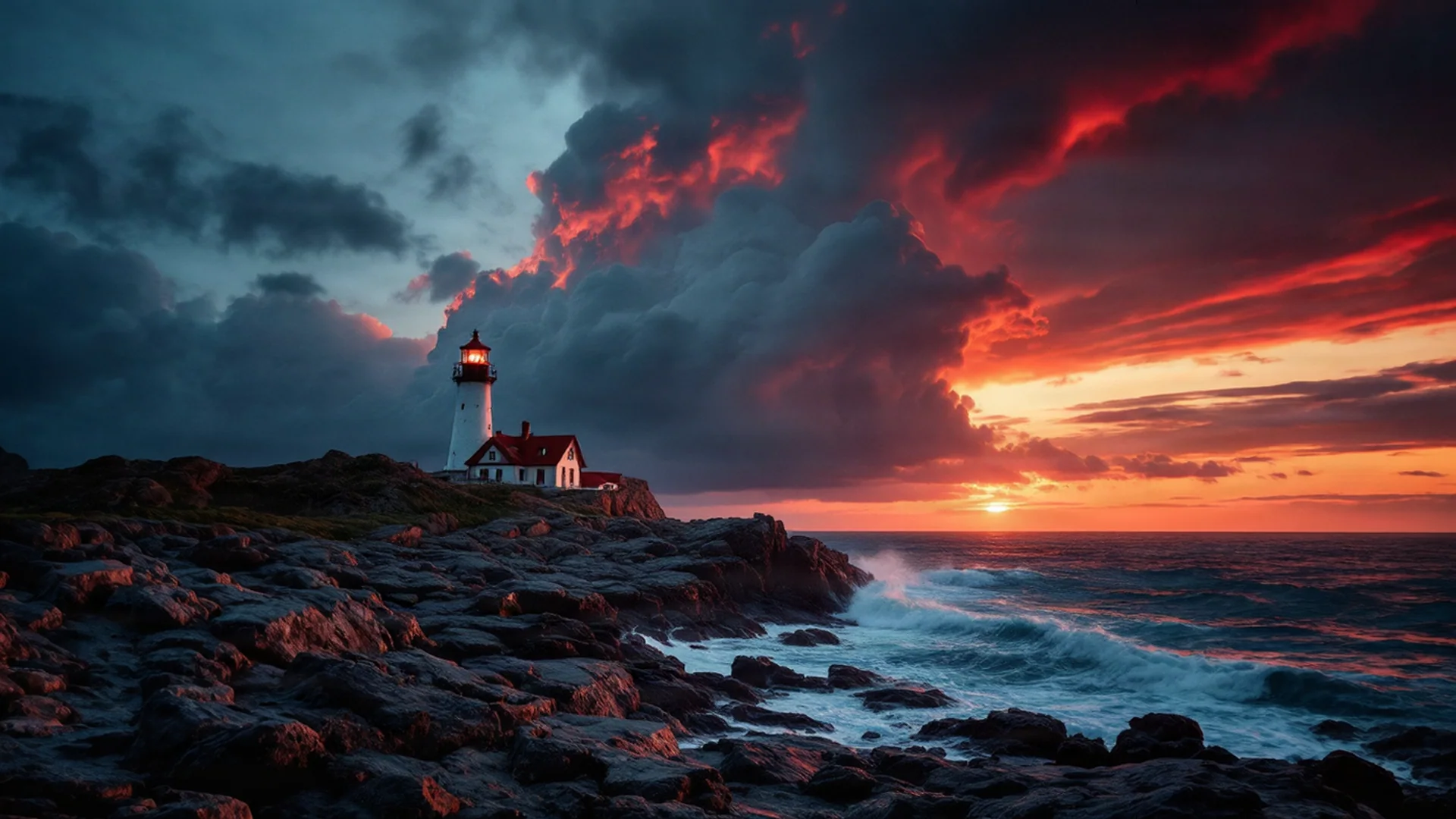
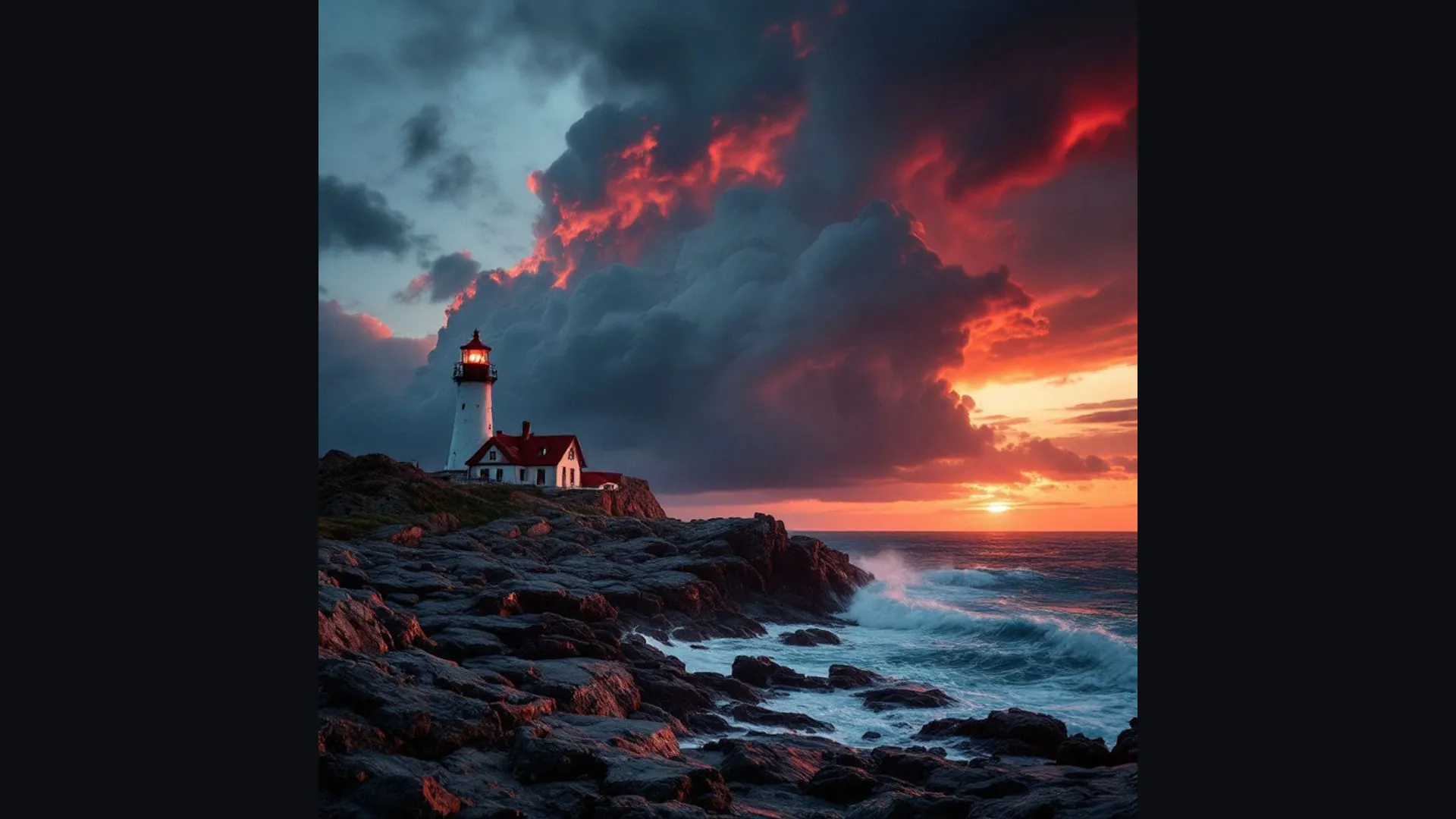 BeforeAfter
What you can make
A menu is read by hungry people in mixed light, often in a hurry. What sells a dish is a clear description and, where you use them, honest photos that look as good as the plate that arrives.
The studio works on the pictures: it improves photos of your real dishes, puts them on a consistent background, evens out the light, and makes illustrations or cover art. It does not lay out the menu, set prices or print; place the pictures in your menu template, layout program or the printer's editor.
- 01Flyers and banners from a few answers, in your colours
- 02Pictures generated for the headline you have
- 03Any photo widened or lengthened to fit the layout
- 04Sharp, print-ready files
The tools for it
Each one does one job. Use one, or chain them: make it, cut it out, put it on a product.
Flyer
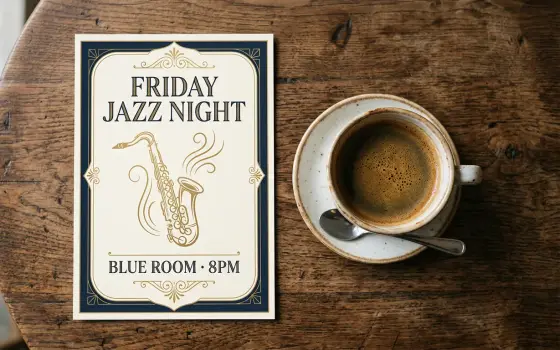
Flyers for events, offers and services, with a clear headline, the key details and your contact, ready to print or share.from 8 tokens · 3 designsBanner
Website heroes, social covers and email headers, sized exactly, with your logo, colours and headline.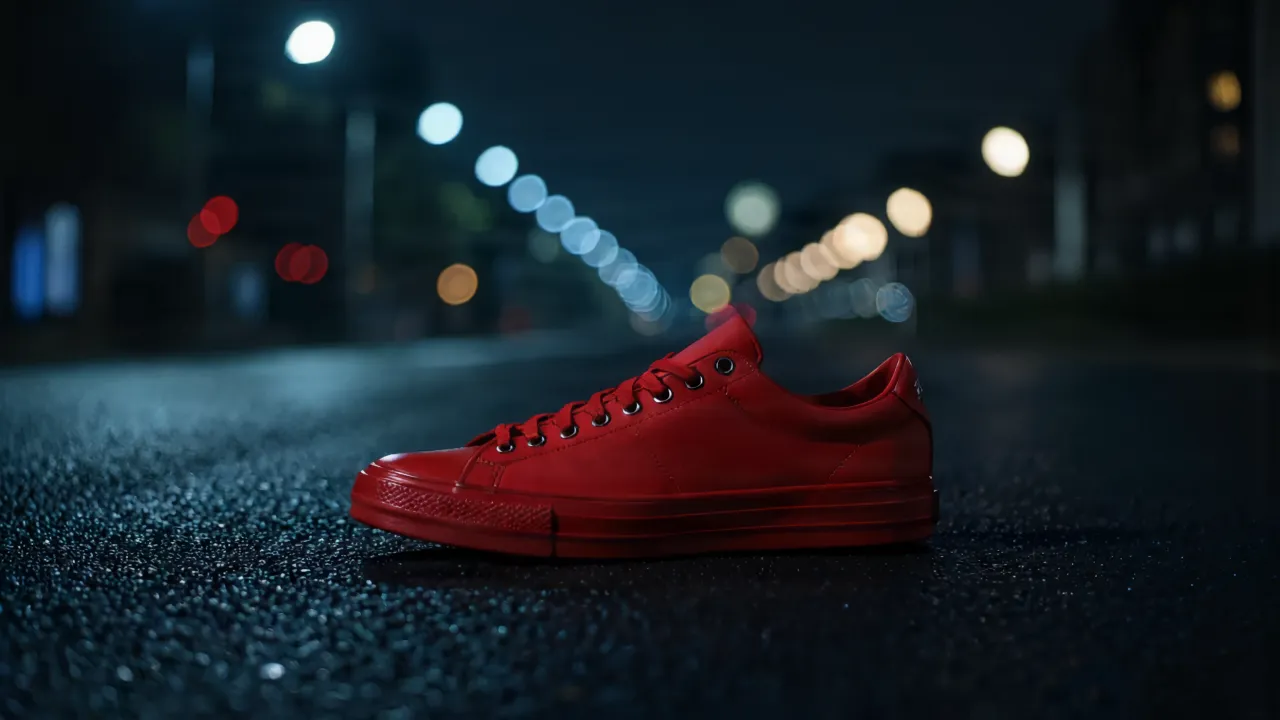 3 tokens
Photo enhancer
Clean up noise, blur and compression in one pass.See the tool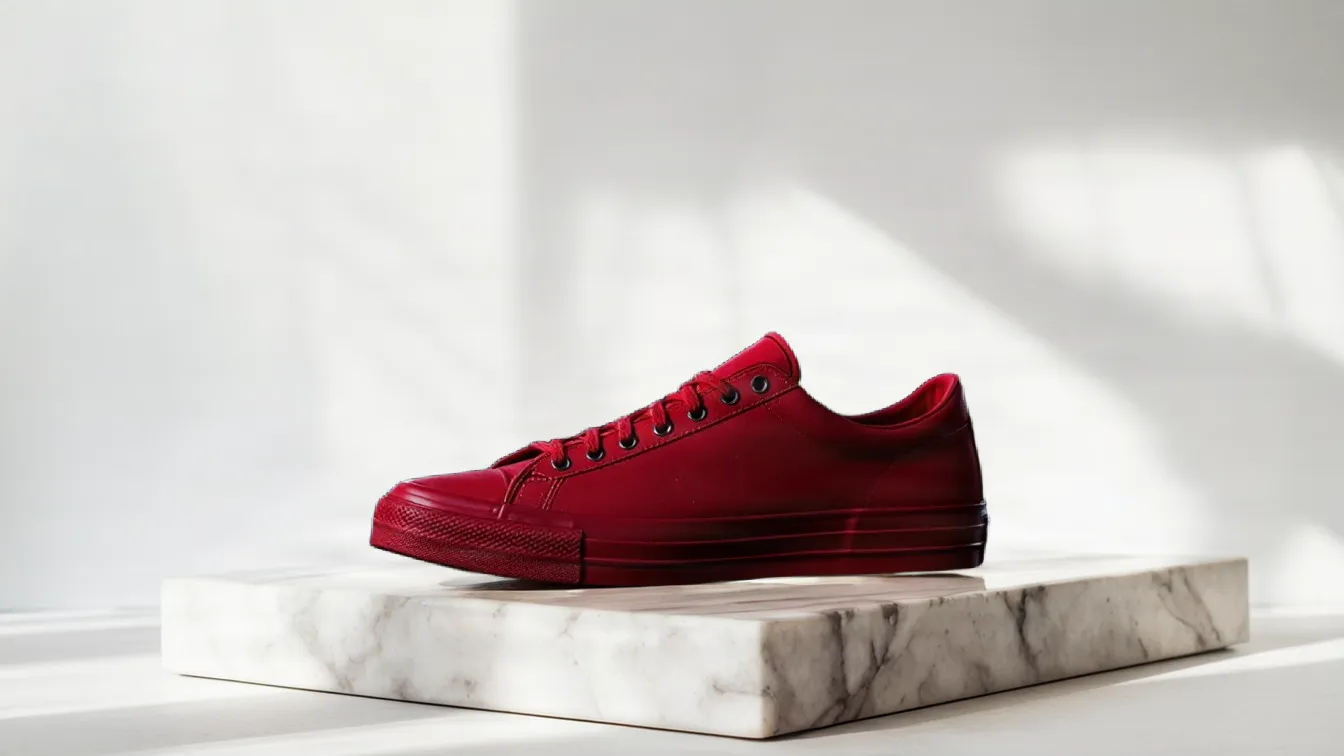 from 1 token
Background replacer
Keep the subject, swap what's behind it. Describe the new setting.See the tool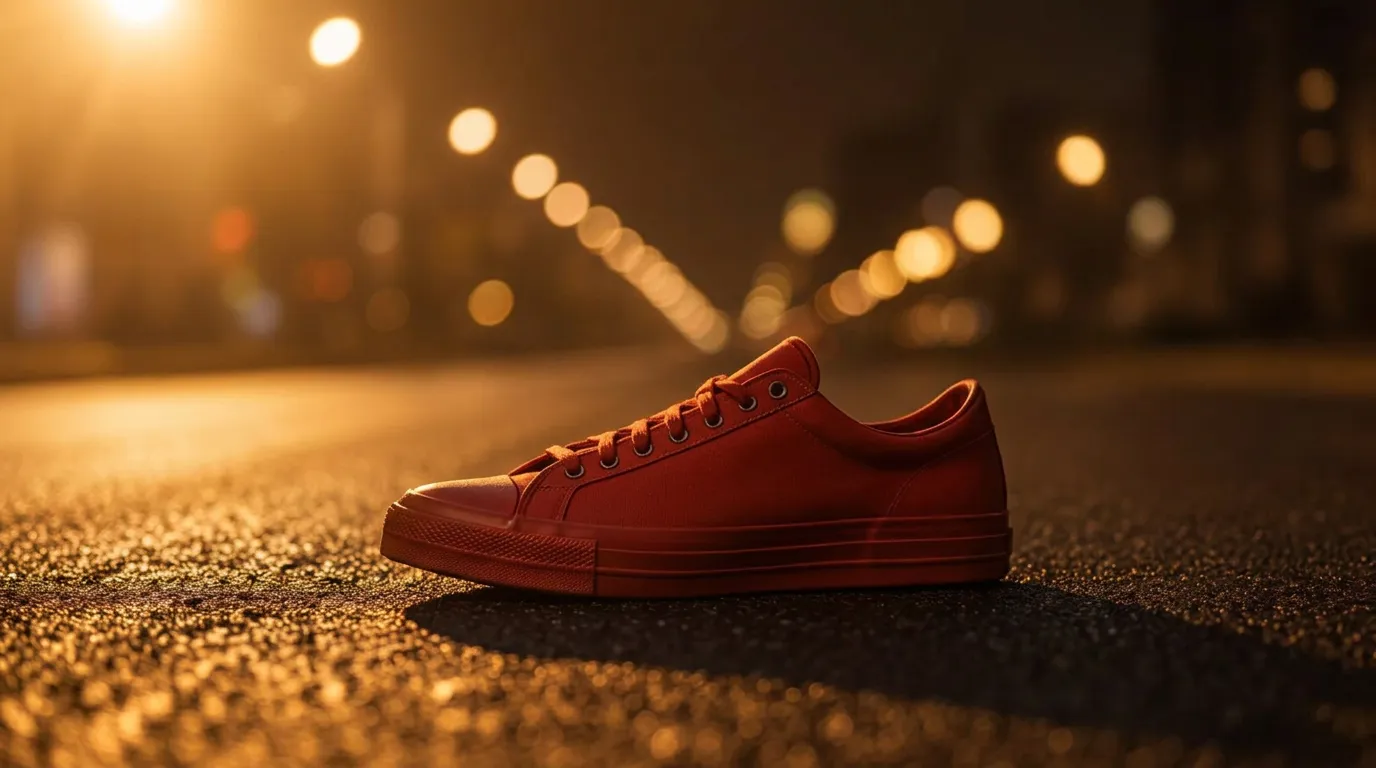 from 1 token
Relight
Change the light in a photo. The subject and every detail stay put.See the tool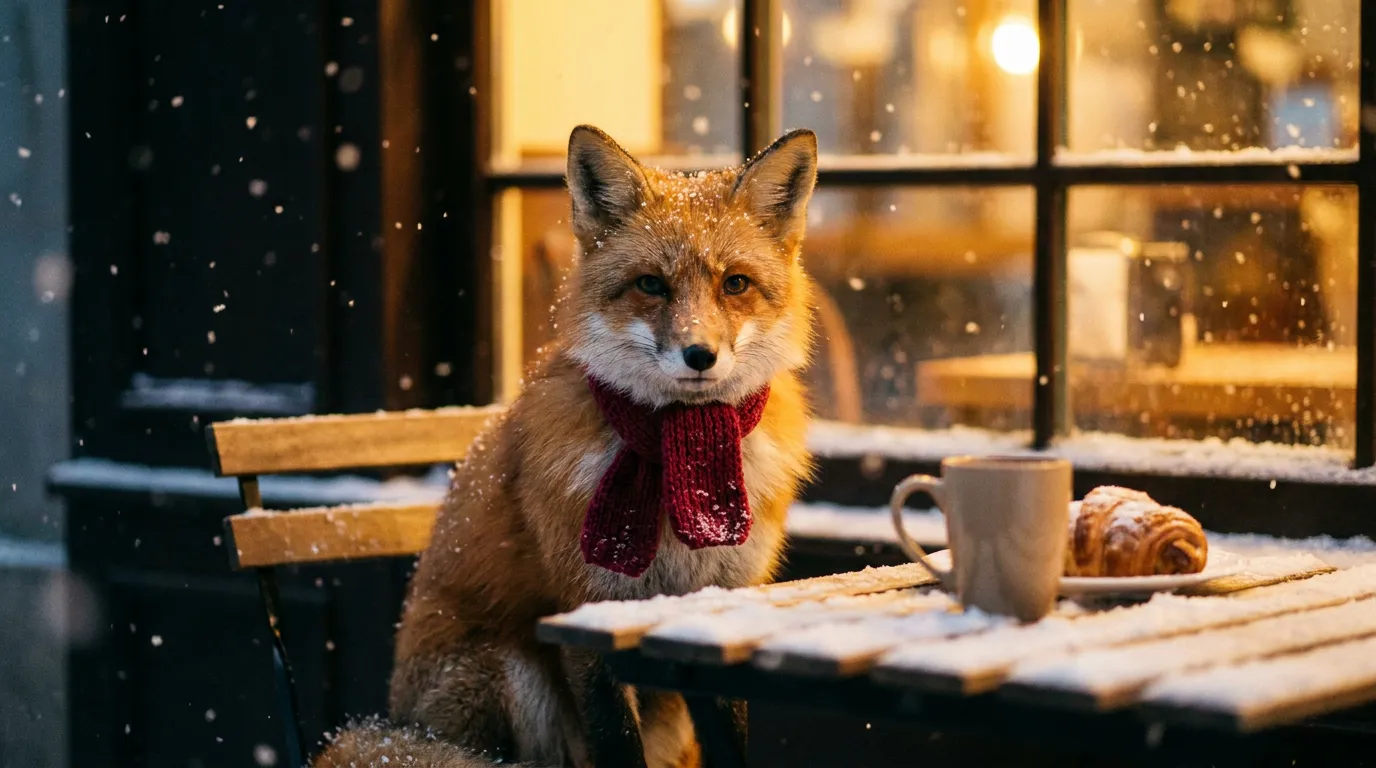 from 1 token
AI image generator
Describe a picture and get it in seconds, from the model that suits the job.See the toolHow to make it, step by step
- 1
Photograph the real dishes
Shoot each plate from the same angle near a window, then sharpen soft or grainy phone shots with the Photo enhancer.
- 2
Give them one backdrop
Use the Background replacer to put every dish on the same table or surface, so the photos read as one set.
- 3
Even out the light
Use Relight with the soft studio setting to match dishes that were shot at different times of day.
- 4
Add decoration
Make line-art illustrations or a cover picture with the AI image generator, for menus that use few photos or none.
Ideas that work
Rules of thumb for menus, whichever tool you use.
Shoot every dish the same way
Same time of day, same angle, same surface. A consistent set looks professional even when each photo is simple.
Group and limit
Clear sections with a manageable number of dishes in each are easier to choose from than one long list.
Proof it in your dining room's light
Read a printed proof at a table in the evening. Small or pale text that is fine at your desk can vanish in dim light.
Describe, then decorate
Plain, specific descriptions do more for a dish than a string of adjectives. Add illustrations to support the words, not to fill space.
Plans
One balance for every tool. Monthly plans give the lowest price per token; one-off packs start at $6.
- About 24 upscales or 40 cut-outs
- 17% less per token than the Starter pack
- Tokens last a month; cancel any time
- About 80 upscales or 133 cut-outs
- 33% less per token than the Starter pack
- Tokens last a month; cancel any time
- About 240 upscales or 400 cut-outs
- 45% less per token than the Starter pack
- Tokens last a month; cancel any time
More in print and advertising
Questions
Something else? Ask us.
Can AI design my restaurant menu?
The studio does not lay out menus. It makes and improves the pictures that go on one, such as dish photos, illustrations and a cover, which you then place in a menu template or layout program.
Should I put photos on my menu?
Photos help with unfamiliar dishes and where customers order quickly, but too many make a menu feel cluttered. A few strong photos of signature dishes are often enough.
Is it OK to use AI-generated food photos?
Customers expect the dish to look like the picture. Use the tools to improve photos of your real food, such as the background and the light, rather than inventing dishes that do not match what you serve.
How do I take good food photos with a phone?
Use daylight from the side, turn off the flash, wipe the plate rim, and shoot from above for flat dishes or from a low angle for tall ones. Take several and keep the sharpest.
What are tokens?
Tokens are how you pay per image. Each tool shows its price in tokens before you run it, the tokens are taken when you click Generate, and anything that fails is refunded automatically. Tokens from a one-off pack last 12 months; tokens from a monthly plan last a month from the day they arrive.
Do I need a subscription?
No. You can buy a one-off pack whenever you need one. If you use the tools every month, a monthly plan gives you the lowest price per token; the tokens are added each month, last a month, and you can cancel any time.
How does the monthly plan work?
You pay once a month and that month's tokens are added to your balance straight away. Each month's tokens last a month from the day they arrive, and the soonest-expiring tokens are always used first. Cancel from Billing whenever you like; the tokens you have stay until their date.
What can I upload?
PNG, JPEG or WebP up to 8MB. For mockups, a PNG logo with a transparent background gives the cleanest result. The image, video, voice and music generators need no upload at all.
Can I use the results commercially?
Yes. What you make is yours to use. The background remover and image extender run on Bria models trained only on licensed data, so they are safe for commercial work.
Who can see my images?
Only you. Uploads and results are stored privately against your account; nothing is shared or used to train anything.
How long does it take?
Most image tools finish in 5 to 20 seconds. Mockups take about 30 seconds because two photos are made, and a video clip takes about a minute.
What if I don't like the result?
Run it again with different options; each run is a new charge. If a run fails for any reason, its tokens come straight back.
Make menus today.
Create an account, pick a pack from $6, and drop in a picture.
10 free tokens to start