
- Home
- What you can make
- Business cards
Business cards, made in minutes.
Business cards you can see on real paper before you print. Make the artwork, put it on a photographed card, and get a sharp file for the printer.
- Price
- from 1 token
- Plans
- From $12 a month, or one-off packs from $6
- Tools
- Logo design, Flyer, Mockup generator, AI image generator
- Time
- Most results in 5 to 40 seconds
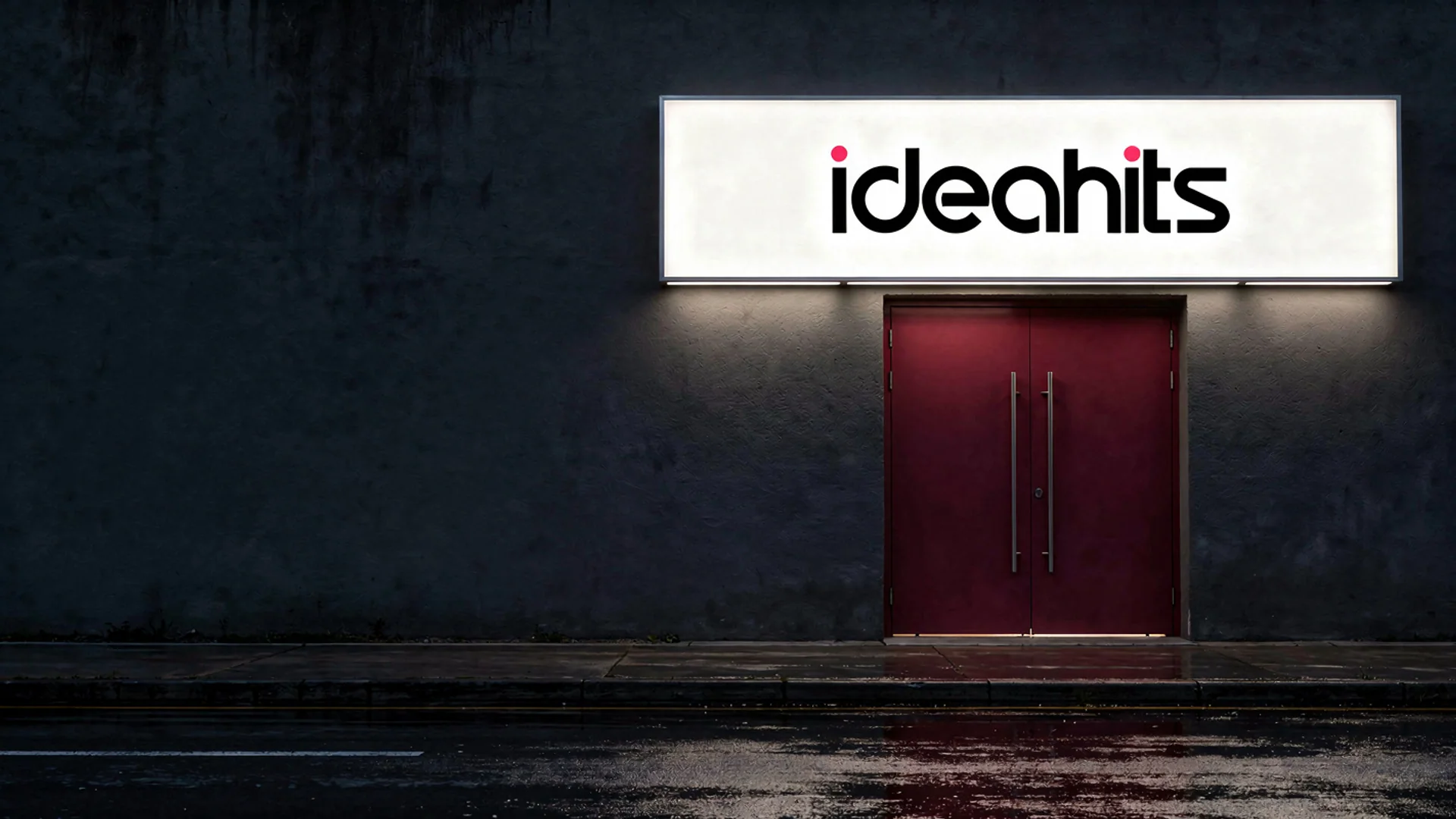
 BeforeAfter
What you can make
A business card is small, so every element has to earn its place: your logo, name, role and the one or two ways people should contact you. It is also often the first physical thing a client keeps from you, so the paper and print quality show.
The studio makes the parts of the card: the logo, a pattern or picture for the back, and a photo of the design on a real card so you can judge it. It does not set your name and contact details or produce a print file with bleed; add the text in your printer's online editor or a layout program, and the printer prints it.
- 01Your design photographed on real cards and paper
- 02Artwork and pictures for the front and back
- 03A logo cut out cleanly for any background
- 04Print-ready files up to 4096px
The tools for it
Each one does one job. Use one, or chain them: make it, cut it out, put it on a product.
Logo design
Original logo concepts, each from a different idea, in your brand colours. Pick one and it goes into your Brand Vault.from 8 tokens · 3 designsFlyer
Flyers for events, offers and services, with a clear headline, the key details and your contact, ready to print or share.12 tokensMockup generator
Your logo or design on a real product, photographed.See the tool from 1 token
AI image generator
Describe a picture and get it in seconds, from the model that suits the job.See the tool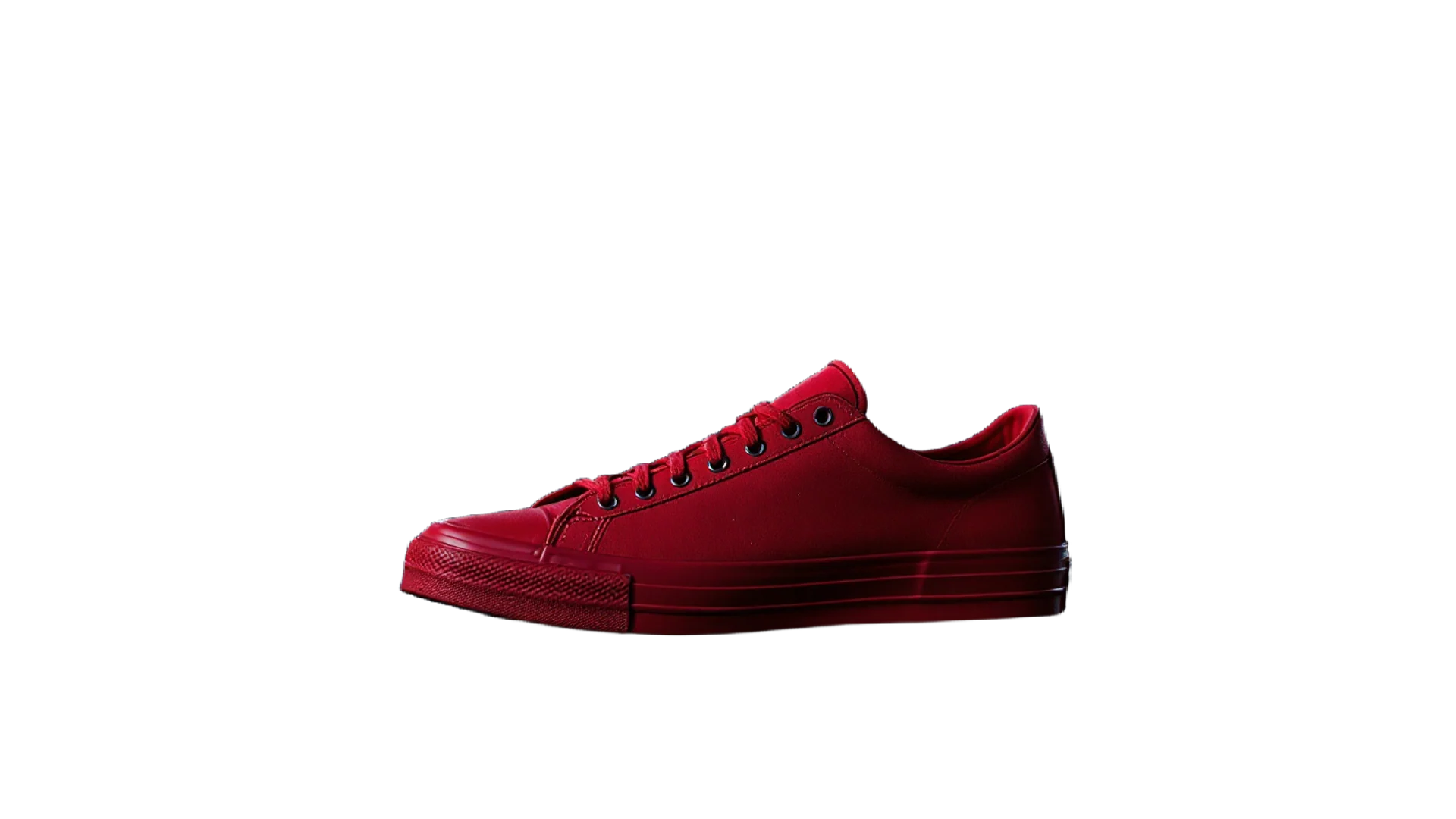 3 tokens
Background remover
A clean cut-out with a transparent background in one click.See the tool 5 tokens
Image upscaler
Turn a small or soft picture into a sharp, print-ready one.See the toolHow to make it, step by step
- 1
Get your logo ready
Make a mark with Logo design, or upload your own and clean it up with the Background remover so it has a transparent background.
- 2
Make the back of the card
Generate a pattern or brand picture for the reverse side with the AI image generator, kept simple so it does not fight the front.
- 3
See it on a real card
Run the Mockup generator with the business card product to check how the design looks printed, in studio or lifestyle light.
- 4
Give the printer a large file
Use the Image upscaler so the artwork you upload to the printer stays sharp at card size.
Ideas that work
Rules of thumb for business cards, whichever tool you use.
Keep important text away from the edge
Cards are cut in batches and the cut can drift slightly. Keep names, numbers and the logo comfortably inside the trim line.
Check it at actual size
Print a test on paper and cut it out. Text that is clear on screen can be too small to read on a real card.
Two contact routes, not six
A phone number and an email or website is usually enough. A card crowded with every social handle is harder to use.
Test any QR code on the proof
If you add one, scan it from the printed proof with more than one phone before you order the full run.
Plans
One balance for every tool. Monthly plans give the lowest price per token; one-off packs start at $6.
- About 24 upscales or 40 cut-outs
- 17% less per token than the Starter pack
- Tokens last a month; cancel any time
- About 80 upscales or 133 cut-outs
- 33% less per token than the Starter pack
- Tokens last a month; cancel any time
- About 240 upscales or 400 cut-outs
- 45% less per token than the Starter pack
- Tokens last a month; cancel any time
More in cards and stationery
Questions
Something else? Ask us.
What size is a business card?
The common size in the UK and much of Europe is 85 × 55 mm, and in the US it is 3.5 × 2 inches. Use your printer's template, which adds the bleed area around the edge.
What should be on a business card?
Your name, role, business name, logo and the one or two contact details you want people to use. A short line saying what you do helps someone who finds the card a week later.
Are business cards still worth having?
For trades, events, shops and any business that meets people in person, yes. A card is quick to hand over and stays in a wallet or on a desk after the conversation ends.
Can ideahits print my business cards?
No. The studio makes the artwork and the mockups; you take the files to any printer. Most online printers have an editor where you add your name and details over your artwork.
What are tokens?
Tokens are how you pay per image. Each tool shows its price in tokens before you run it, the tokens are taken when you click Generate, and anything that fails is refunded automatically. Tokens from a one-off pack last 12 months; tokens from a monthly plan last a month from the day they arrive.
Do I need a subscription?
No. You can buy a one-off pack whenever you need one. If you use the tools every month, a monthly plan gives you the lowest price per token; the tokens are added each month, last a month, and you can cancel any time.
How does the monthly plan work?
You pay once a month and that month's tokens are added to your balance straight away. Each month's tokens last a month from the day they arrive, and the soonest-expiring tokens are always used first. Cancel from Billing whenever you like; the tokens you have stay until their date.
What can I upload?
PNG, JPEG or WebP up to 8MB. For mockups, a PNG logo with a transparent background gives the cleanest result. The image, video, voice and music generators need no upload at all.
Can I use the results commercially?
Yes. What you make is yours to use. The background remover and image extender run on Bria models trained only on licensed data, so they are safe for commercial work.
Who can see my images?
Only you. Uploads and results are stored privately against your account; nothing is shared or used to train anything.
How long does it take?
Most image tools finish in 5 to 20 seconds. Mockups take about 30 seconds because two photos are made, and a video clip takes about a minute.
What if I don't like the result?
Run it again with different options; each run is a new charge. If a run fails for any reason, its tokens come straight back.


Make business cards today.
Create an account, pick a pack from $6, and drop in a picture.
10 free tokens to start